





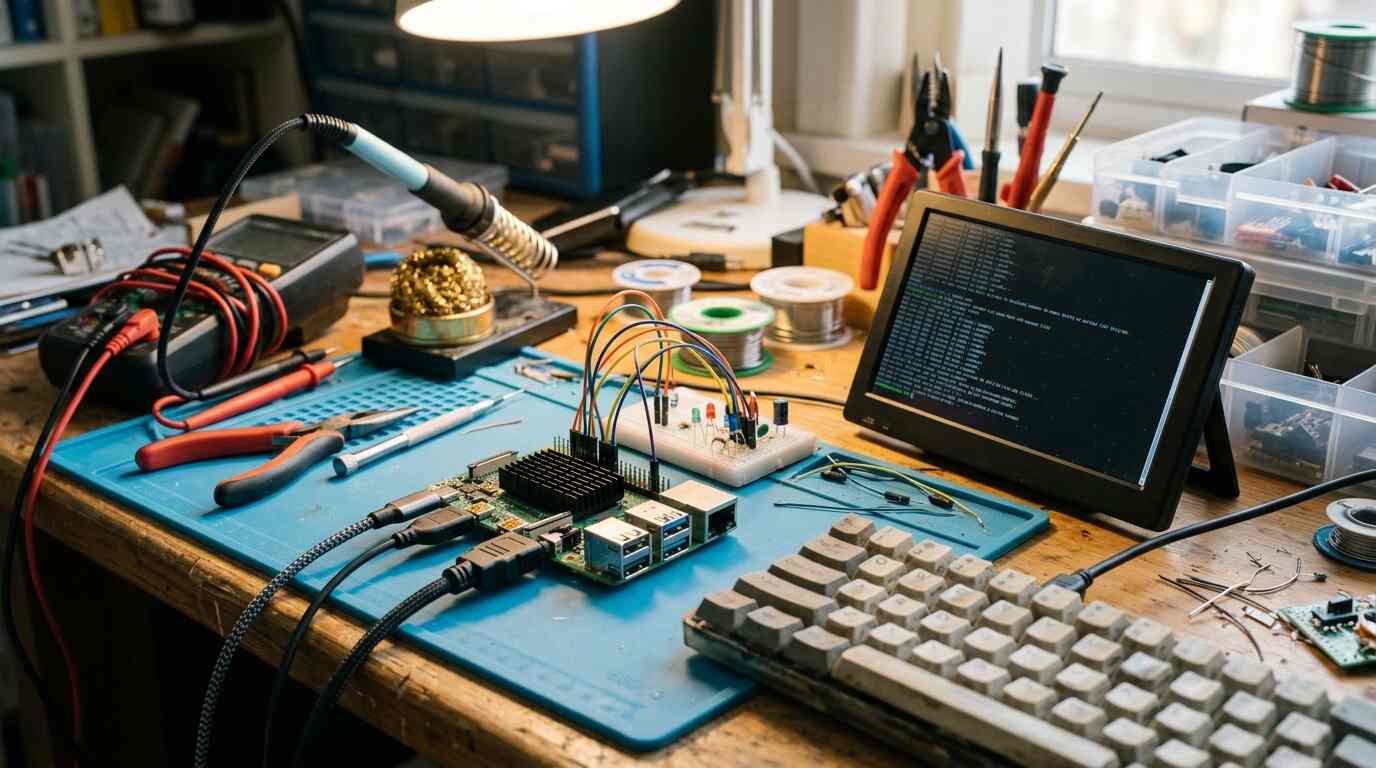
CanaKit's Raspberry Pi 5 kit takes the guesswork out of setup, but board prices have climbed and cheap mini PCs now compete. Here is who it suits.
As an Amazon Associate I earn from qualifying purchases. A commission may be earned if you buy through this link, at no extra cost to you.
A bare Raspberry Pi board is only the start of a project, which is why this CanaKit Raspberry Pi 5 Starter Kit review looks at the whole box instead of the circuit board alone. The kit bundles the board with the case, cooling, power supply and storage you would otherwise hunt down one by one. It saves effort. It does not save money, and in 2026 that second point matters more than it used to.
I haven’t tested this unit; this review is based on published tests and shopper feedback. One more limit to flag: I found no independent review of this specific CanaKit kit, so the performance findings below come from reviews of the Raspberry Pi 5 board itself.
What the kit is and who it’s for
The Raspberry Pi 5 arrived in October 2023. It has a quad-core Arm Cortex-A76 processor at 2.4 GHz, a VideoCore VII graphics chip at 800 MHz, and LPDDR4X memory, with sizes from 1 GB to 16 GB sold. Its connections include PCIe 2.0 for NVMe storage through an add-on board, two micro-HDMI ports capable of 4K at 60 Hz, two USB 3 ports and gigabit Ethernet. It also gained a power button, a real-time clock and a fan header. The 3.5 mm audio jack from the Pi 4 is gone.
CanaKit sells the board in several kits. This post covers the 8GB version in the Turbine Black case, which is the listing on Amazon. According to CanaKit’s own page, a kit contains the Pi 5, an official microSD card loaded with Raspberry Pi OS, the official case with a fan, a USB-C power supply, a card reader and two 6 ft micro-HDMI cables.
One mismatch needs a warning. CanaKit’s page describes a 64GB card, while the Amazon listing I’m covering is the 128GB PRO version. I can’t confirm every item in that box, so read the Amazon listing’s contents before you order.
| CPU | Quad-core Arm Cortex-A76, 2.4 GHz |
| GPU | VideoCore VII, 800 MHz |
| Display | Two micro-HDMI, up to 4K at 60 Hz |
| Expansion | PCIe 2.0 x1 (NVMe via add-on board), two camera or display connectors |
| Power | 27 W (5 V, 5 A) USB-C supply recommended |
| Idle draw | About 2.7 W, against about 1 W for the Pi 4 (Tom’s Hardware) |
| Versus Pi 4 | About 54 to 55 percent faster in Sysbench; boot to desktop in about 18 seconds against 38 |
The people it suits are hobbyists, students and tinkerers who want a ready-to-boot Linux computer for a home server, GPIO projects, retro gaming or learning. Anyone who prizes the Pi’s software and community more than raw value will be comfortable here.
What Amazon shoppers say
Amazon buyers rate the kit highly overall. Because board prices have been moving, check the current price on Amazon and compare it with CanaKit’s own page, which has no date I could read, before ordering.
Amazon’s summary of customer comments calls it a fantastic kit with everything needed. Buyers describe good performance, including running Atari and N64 emulation, easy setup, and a box that is ready to use out of the package. They also mention uses such as Home Assistant and teaching.
The caution is in the mixed categories. Value splits shoppers: some feel the premium over buying the parts separately is worth it, others see poor value. Connectivity and reliability are also mixed, and some people report receiving a unit that was dead on arrival.
A Google or Google Shopping rating was not checked for this post. Shoppers can compare it themselves before buying.
What independent reviewers found
Tom’s Hardware named the Pi 5 the strongest single-board computer of its time, with an Editor’s Choice badge. It found large gains over the Pi 4 in general desktop use and boot time. It also found that the board needs active cooling and draws more power at idle, and that early add-on boards needed updates.
Expert Reviews, a UK outlet, titled its review as the first Pi that can truly serve as a desktop. It judged the board much faster than the Pi 4 for only a little more money, yet overkill for typical projects and incompatible with old cases. It also suggests desktop users may prefer waiting for the Raspberry Pi 500, a model I did not research.
The sharpest view comes from lon.tv, a blog. It found the Pi 5 usable as a general computer, especially at 1080p, but argued that accessory costs and strict power and cooling needs push the total toward the price of cheap Intel or AMD mini PCs. Linuxiac made a related argument in February 2026, in an opinion piece asking whether the Pi is still affordable.
On the kit itself, microcontrollerslab calls the CanaKit PRO the kit it recommends to most people. A caveat from my notes: that site’s affiliate table doesn’t fully match its review text on kit specs. LinuxLinks reviewed a different third-party kit, from iRasptek, which assembled in about 10 minutes with a weak quick-start guide. That isn’t the CanaKit, so take it only as background.
What’s good
- Speed is a real step up from the Pi 4 for desktop use and boot times.
- The kit removes the guesswork about case, active cooling, power supply and a pre-loaded card.
- A PCIe connector allows NVMe storage, and the real-time clock and power button help real projects.
- The open-source community and GPIO ecosystem are large.
- Hardware decoding of 4K H.264 and H.265 video and better emulation than earlier Pis, per linuxiac and lon.tv.
The convenience point is the whole argument for buying a kit. A beginner who picks parts separately can easily buy an underpowered charger or a case that won’t fit. A kit removes those mistakes, and Amazon buyers’ praise for easy setup fits that logic.
What’s bad
Cost is the main one. Board prices have risen several times: December 2025, February 2026, April 2026 and October 2026, amid a memory shortage, according to Tom’s Hardware, Notebookcheck and The Register. A complete kit now costs far more than the 2023 launch price.
Sources conflict on the current price of the bare 8GB board. Tom’s Hardware, writing on October 2, 2026, and atomiccreations.co list noticeably different figures. Verify on the official Raspberry Pi site if the board price matters to your comparison.
Heat is the next issue. The board runs hot, and active cooling is effectively required for sustained work, which Tom’s Hardware stresses. The CanaKit case includes a fan, so this particular flaw is partly handled in the kit.
Power is fussy. Many USB-C chargers cannot supply 5 V at 5 A, according to lon.tv and a thread on the element14 forum. That same thread describes random reboots when an NVMe SSD in a USB 3 enclosure is under load, tied to the supply’s power profile; it was unresolved when I read it. Early testing also found 4K YouTube in the browser poor, so expect to lower your ambitions there.
Competition matters here too. Linuxiac and lon.tv both argue that entry-level mini PCs now deliver more performance per dollar. Most of the performance data I found dates from the 2023 launch with older 4GB and 8GB boards, though the silicon is the same.
Video reviews
Two videos turned up. I haven’t watched either in full; the notes come from their titles.
How it compares
The Raspberry Pi 4 is cheaper, runs cooler and is fine for light projects, according to Tom’s Hardware and Expert Reviews. If your plans are a media server or a sensor logger, it may be all you need.
Entry-level Intel and AMD mini PCs are the bigger threat. They give more performance per dollar for desktop use, per linuxiac and lon.tv, though they lack the Pi’s GPIO pins and its community. For a project that touches hardware, that gap can decide it.
Who should buy it and who should skip it
Buy it if you want a Pi that works on day one, you’d value the support network, and the extra cost over loose parts buys you peace of mind. In my view, a first-time buyer with a defined project is the best match.
Skip it if you are shopping on price alone, since a Pi 4 or a used mini PC can do more for the money. Skip it too if you need only light GPIO work, where a microcontroller will do, or if you expect a full desktop replacement.
Verdict
This kit is the easy way into the Pi 5 and a poor way to save money. The praise from Amazon buyers for easy setup backs the convenience claim, while the mixed notes on reliability and dead-on-arrival units suggest buying from a seller with simple returns.
My take: for a beginner with a clear project, the extra cost over loose parts buys convenience that is easy to justify. For everyone else, price a mini PC first.
- CanaKit Raspberry Pi 5 Starter Kit PRO, Turbine Black, 8GB with 128GB card, the version reviewed above. See it on Amazon (affiliate link)
As an Amazon Associate I earn from qualifying purchases. A commission may be earned if you buy through this link, at no extra cost to you.