




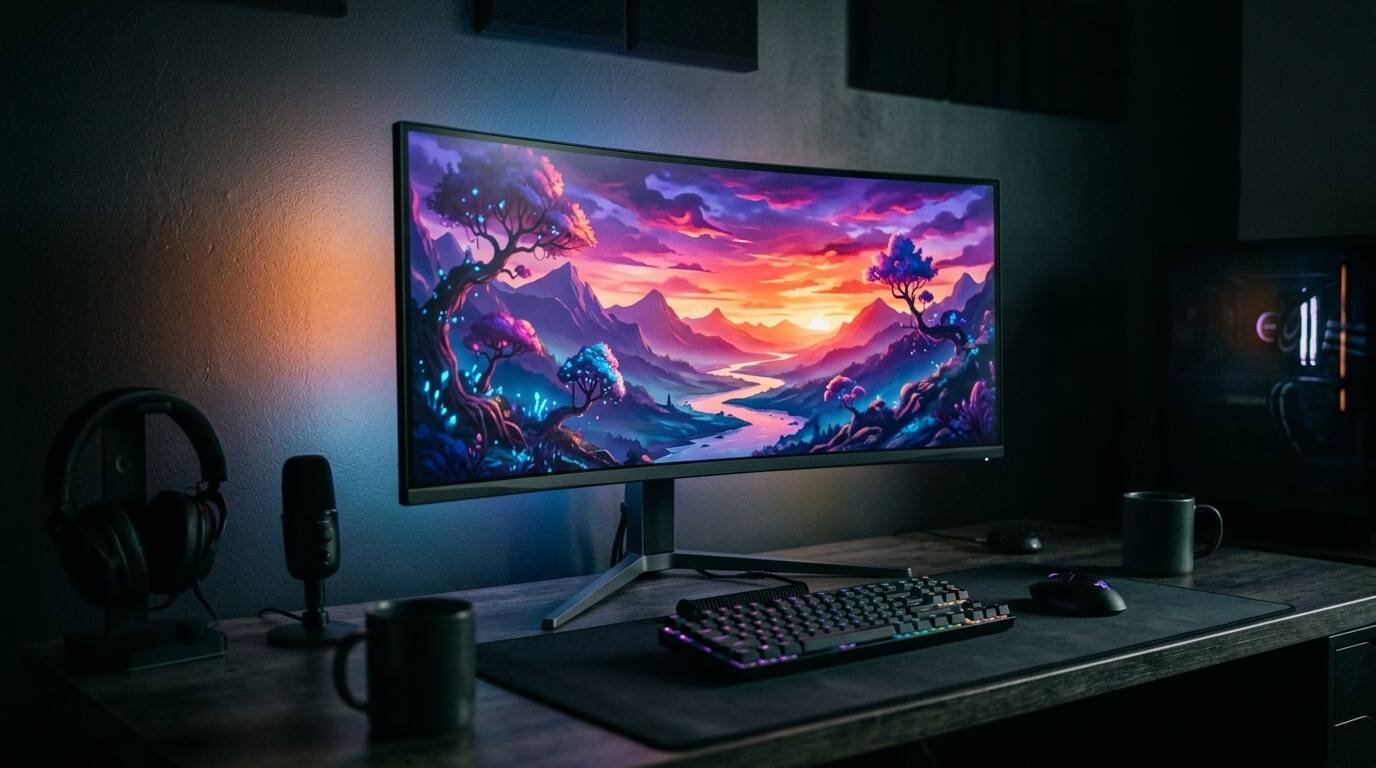
Alienware AW3426DW review from TFTCentral lab data and five outlets' verdicts: 280 Hz Penta Tandem QD-OLED, sharper text, no USB-C video, pricing.
This Alienware AW3426DW review is a reading of lab measurements and published verdicts, since x9m8 does not test displays. The monitor is a 34-inch, 3440 x 1440, 280 Hz ultrawide using Samsung Display’s new Penta Tandem QD-OLED panel. It launched in July at $799.99, so most reviews are from July. TweakTown published a fresh one on October 9, and pricing has moved since, which is why it is worth another look now.
The reviewers agree on a surprising amount. Brightness is up, text fringing is largely fixed, and the price undercuts the original QD-OLED ultrawide by a wide margin. The disagreements are about what is missing: USB-C video, a KVM switch, 360 Hz and OLED care controls.
The interesting numbers come from TFTCentral, which published the only full lab write-up I could open.
What is new in the panel
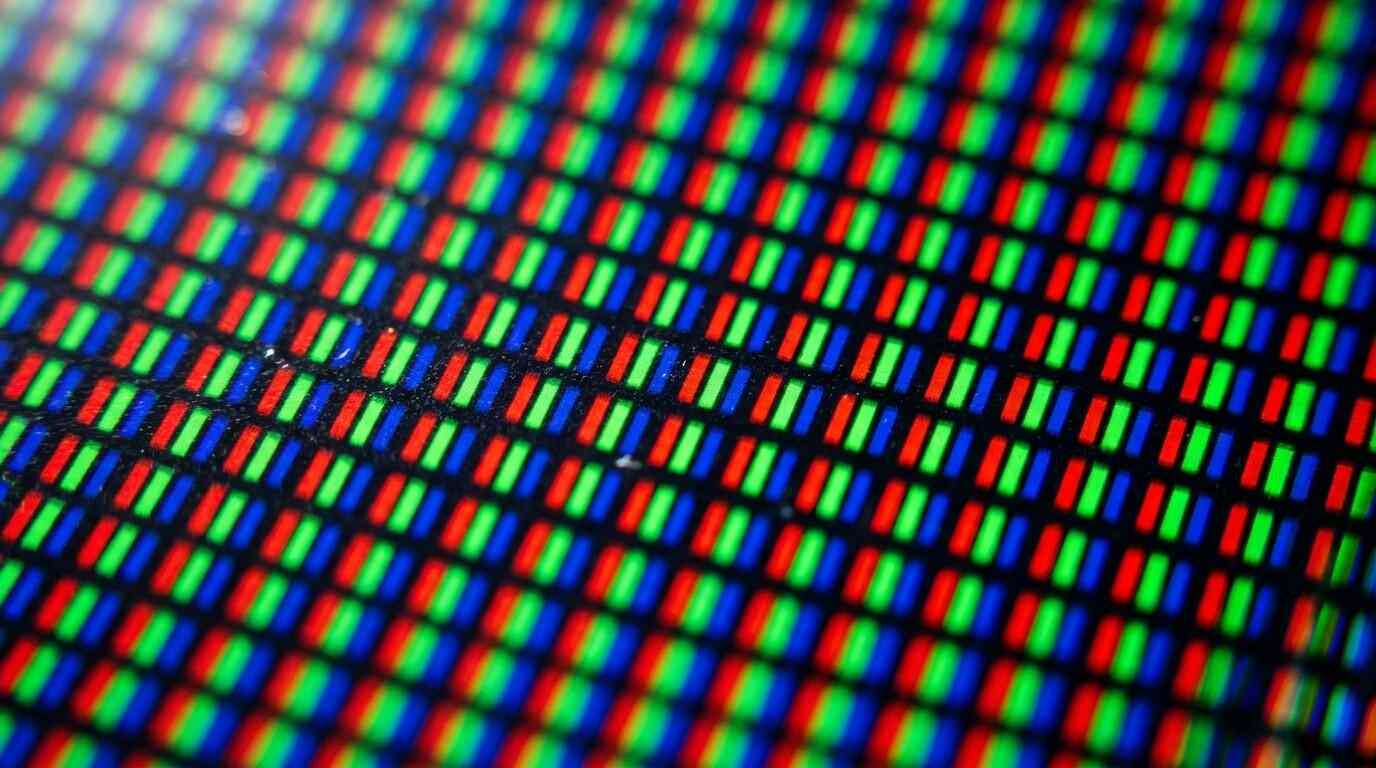
According to TweakTown, the Penta Tandem panel uses a five-stack emissive structure that Alienware says improves brightness and efficiency. Samsung Display also changes the subpixel layout to a V-stripe RGB arrangement, the fix for the text fringing that earlier QD-OLED panels showed on Windows.
Spec-sheet numbers, as published by the outlets: 300 cd/m2 typical and 1,300 cd/m2 peak brightness, 99 percent DCI-P3, VESA DisplayHDR True Black 500, Dolby Vision, and a 0.03 ms response claim. The curve is 1800R, pixel density is about 110 ppi, and there are two HDMI 2.1 ports, one DisplayPort 1.4 and a USB hub. The warranty is three years including burn-in coverage, per TweakTown and TFTCentral.
One minor conflict: Windows Central lists response time as 0.03 ms in the spec table and 0.02 ms in its gaming section. Treat both as manufacturer claims. TFTCentral measured something different, covered below.
TFTCentral’s measurements
TFTCentral measured a maximum SDR luminance of 327 nits, about 36 percent above the original AW3423DW, with a 24 nit minimum and uniform brightness behavior that avoids ABL dimming. Windows Central independently measured about 330 nits in SDR, against about 252 nits on the older AW3425DW, which is close agreement. In HDR, TFTCentral says the Peak 1300 modes reach just over 1,300 nits, while True Black 500 and other modes cap near 537 nits.
Color out of the box is wide: TFTCentral found sRGB average deltaE of 4.4 in native gamut, which is normal for a wide-gamut panel, and DCI-P3 average deltaE of 2.0. The sRGB emulation mode is described as excellent, and the DCI-P3 emulation mode reached about 97.1 percent coverage. Adobe RGB came in at about 97.5 percent absolute, with no emulation mode for it. HDR greyscale and color averaged deltaE 0.5.
Motion numbers are strong. Average G2G response was 0.49 ms with no visible overshoot, and total display lag at 280 Hz was about 0.86 ms. At 120 Hz the lag was about 3.0 ms and at 60 Hz about 8.25 ms. VRR runs from 48 to 280 Hz. TFTCentral also reports up to 11 percent better perceived black depth in bright rooms than the previous QD-OLED generation.
Text clarity and daily use
PC Gamer says the true RGB-stripe subpixels fix ClearType fringing. TFTCentral describes clean text with no fringing and calls it a key upgrade for office use, and TweakTown says fringing concerns should be almost non-existent. Engadget lists sharper text with reduced color fringing among its pros.
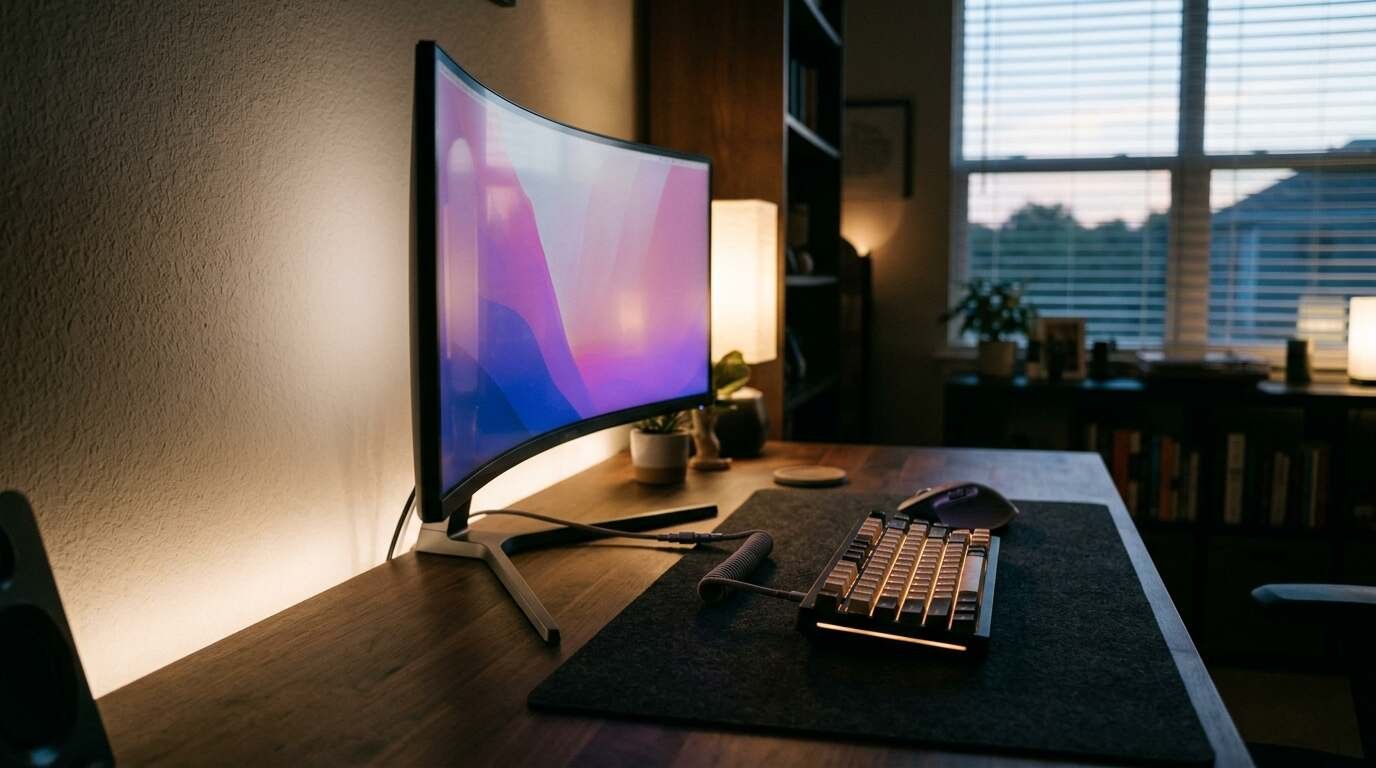
Not everyone is fully sold. PC Gamer lists relatively low pixel density for general computing as a con, and TweakTown says the panel is still not as sharp or bright as IPS, so IPS remains better for text-heavy work. At 3440 x 1440 on 34 inches, that is a geometry fact, not a defect. If you spend your day in spreadsheets, a higher-density monitor will look crisper.
Windows Central likes the productivity features, saying Picture-in-Picture and Picture-by-Picture work well and that the single-joystick menu has many settings. On coatings, Engadget and Windows Central cite glare reduction of about 30 percent, while TweakTown puts the improvement at roughly 30 to 50 percent over the prior generation. That range is the reviewer’s comparison, not a lab figure.
What is missing
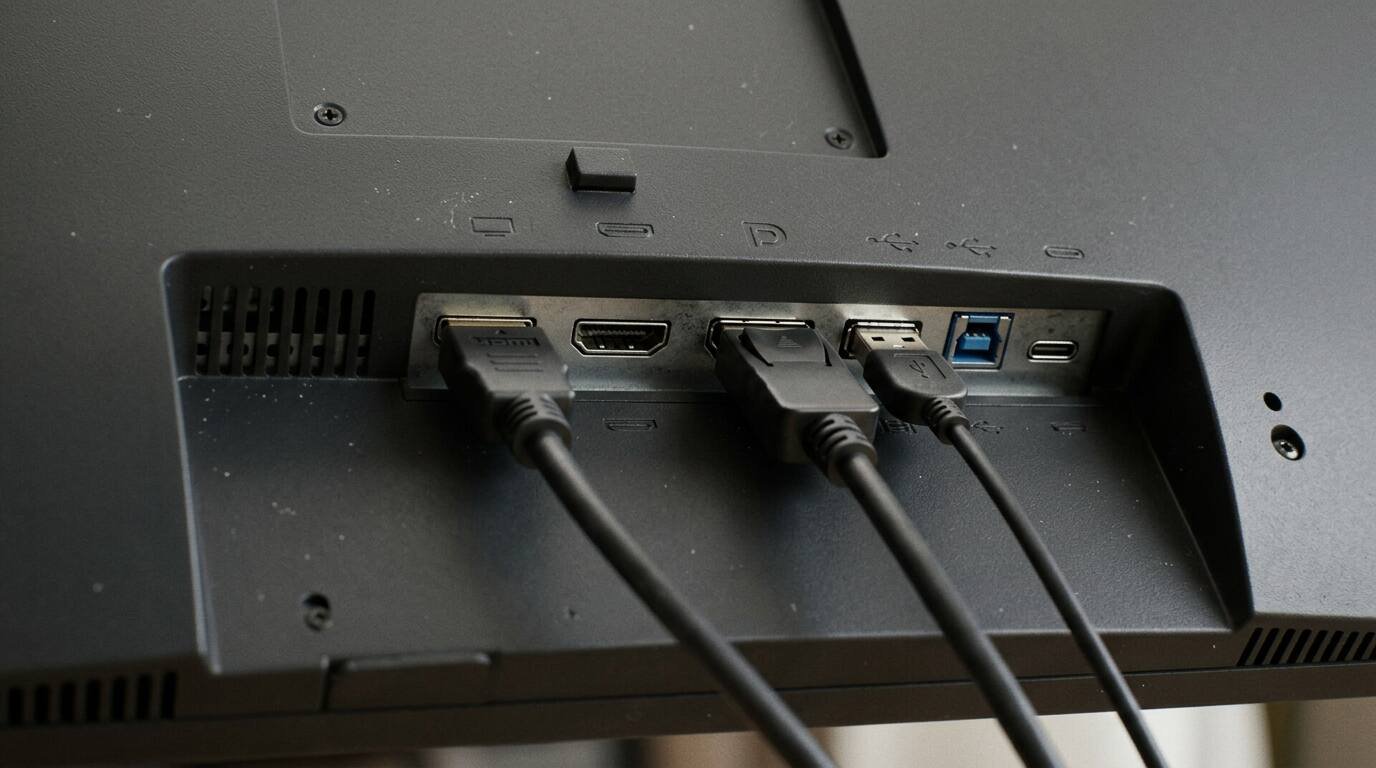
The feature gaps get repeated across reviews. TweakTown and PC Gamer both flag that USB-C is downstream only, with 15 W charging and no DisplayPort Alt Mode, so the monitor cannot take a single-cable laptop connection, and there is no KVM switch. Windows Central lists the lack of a 3.5 mm audio jack and built-in speakers, and a single DisplayPort 1.4 input. TFTCentral adds no BFI, no VRR anti-flicker settings and no Adobe RGB emulation.
OLED care is thin. TFTCentral says pixel shift cannot be disabled and there are no logo dimming or taskbar detection controls, although the three-year burn-in warranty offsets some of that. TFTCentral also notes Samsung Display told it to expect about twice the durability of older panels, which is a vendor expectation, not an endurance test.
Then there is refresh rate. TFTCentral notes that 280 Hz is below the 360 Hz competitors, and PC Gamer says the AW3426DW is cheaper than comparable 360 Hz QD-OLED monitors such as the MSI MPG 341CQR X36. If you want the highest refresh rate regardless, this is not that monitor.
Price and competitors, with a caution
Launch pricing was $799.99 in the US, 709 pounds in the UK and 809 euros in Europe, per TFTCentral. Prices on the retrieved pages vary: Windows Central and TechRadar listed $629.99 at Amazon in July, PC Gamer mentioned a Prime Day price of $629.99, and TweakTown’s October 9 page showed $729.99 at Amazon and $799.99 at Newegg. These are retail snapshots and will have changed.
TweakTown names the MSI MAG 341CQP QD-OLED X28 as the closest rival, with a nearly identical panel at the same $799.99 price plus USB-C with DisplayPort Alt Mode and 15 W power delivery. It lists the ASUS ROG Strix OLED XG34WCDMS at $899. TechRadar suggests the 49-inch MSI MPG 491CQP QD-OLED for a similar price if you want 32:9. For USB-C laptops, the MSI is TweakTown’s pick.
Scores across outlets
Engadget scored the monitor 8.5 out of 10, PC Gamer 91 out of 100, TweakTown 91 percent with a Recommended badge, and TechRadar 4.37 out of 5 based on its category scores. TFTCentral and Windows Central publish no overall number but both are positive; Windows Central calls it an outstanding option for work and play.
The most useful split is on value. Engadget lists an expensive price among its cons and suggests waiting to see the pricing of Alienware’s upcoming 39-inch model. PC Gamer says it is much cheaper than the original and still wishes OLED cost less. The price you pay in October, not the one printed in July, decides which camp you fall into.
Pros and cons from the published record
Credited to the outlets named, not to testing at x9m8.
- Pro: Brightest QD-OLED so far, 327 nits SDR measured (TFTCentral).
- Pro: RGB-stripe subpixels remove text fringing (TFTCentral, PC Gamer, TweakTown).
- Pro: 0.49 ms average G2G and about 0.86 ms lag at 280 Hz (TFTCentral).
- Pro: HDR10 and Dolby Vision, strong factory calibration (TFTCentral).
- Pro: Three-year warranty that covers burn-in (TweakTown, TFTCentral).
- Con: No USB-C video input and no KVM (TweakTown, PC Gamer).
- Con: 280 Hz against 360 Hz rivals (TFTCentral).
- Con: Limited OLED care options and pixel shift that cannot be turned off (TFTCentral).
- Con: Lower pixel density than IPS for text work (PC Gamer, TweakTown).
- Con: HDR mode toggling can lock up the display (TechRadar).
Who should buy it
Gamers who want an ultrawide OLED with strong brightness and fast response, and who are connecting a desktop by DisplayPort or HDMI, are the clear audience. It also suits mixed use if you can live with the text density. At $629.99 to $729.99, as seen in the reviews, it looks better value than at launch.
Look elsewhere if you connect a laptop over USB-C or need a KVM, where TweakTown steers you to the MSI. Look elsewhere if the monitor will run static spreadsheets for eight hours a day, since OLED care options are limited. And if you chase competitive esports frame rates, PC Gamer doubts serious players would choose an ultrawide at all.
Frequently asked questions
How bright is the Alienware AW3426DW?
TFTCentral measured a maximum SDR brightness of 327 nits and just over 1,300 nits in its HDR Peak 1300 modes, while other HDR modes cap near 537 nits. Windows Central measured about 330 nits in SDR.
Does the AW3426DW have USB-C video input?
No. TweakTown, PC Gamer and TFTCentral all report that the USB-C port is downstream only, with 15 W charging and no DisplayPort Alt Mode, and there is no KVM switch.
Is text on the AW3426DW still blurry or fringed?
The outlets say the RGB-stripe layout fixes the fringing seen on earlier QD-OLED panels. PC Gamer and TweakTown add that pixel density is still lower than a good IPS monitor for text-heavy work.
Does the warranty cover OLED burn-in?
Yes. TweakTown and TFTCentral both report a three-year warranty that includes burn-in coverage.
The AW3426DW is a better monitor than its predecessor and a cheaper one than the original, and that combination explains the consistently good reviews. It is also a specific monitor: DisplayPort or HDMI in, 280 Hz, 110 ppi, no frills. Pay attention to the street price, because the same hardware is a strong buy near $630 and a harder sell at $800 when the MSI offers USB-C video at the same list price. For a gaming desktop, it is among the easiest QD-OLED ultrawides to recommend; for a work laptop, keep looking.
Sources