
A QR code for a link or a line of text should not need an account, a watermark or a detour through somebody else’s server. X9M8 QR Generator is a single web page that turns whatever is typed into it into a QR code, lets the colours be changed, accepts a logo, and offers the result as a PNG or an SVG. The preview is drawn inside the page itself. This post covers what the tool does, what was checked about its privacy claim, and where it falls short.
Open X9M8 QR Generator in its own tab →
The tool is served from its own address, so it can be bookmarked and used without this page.
What it does
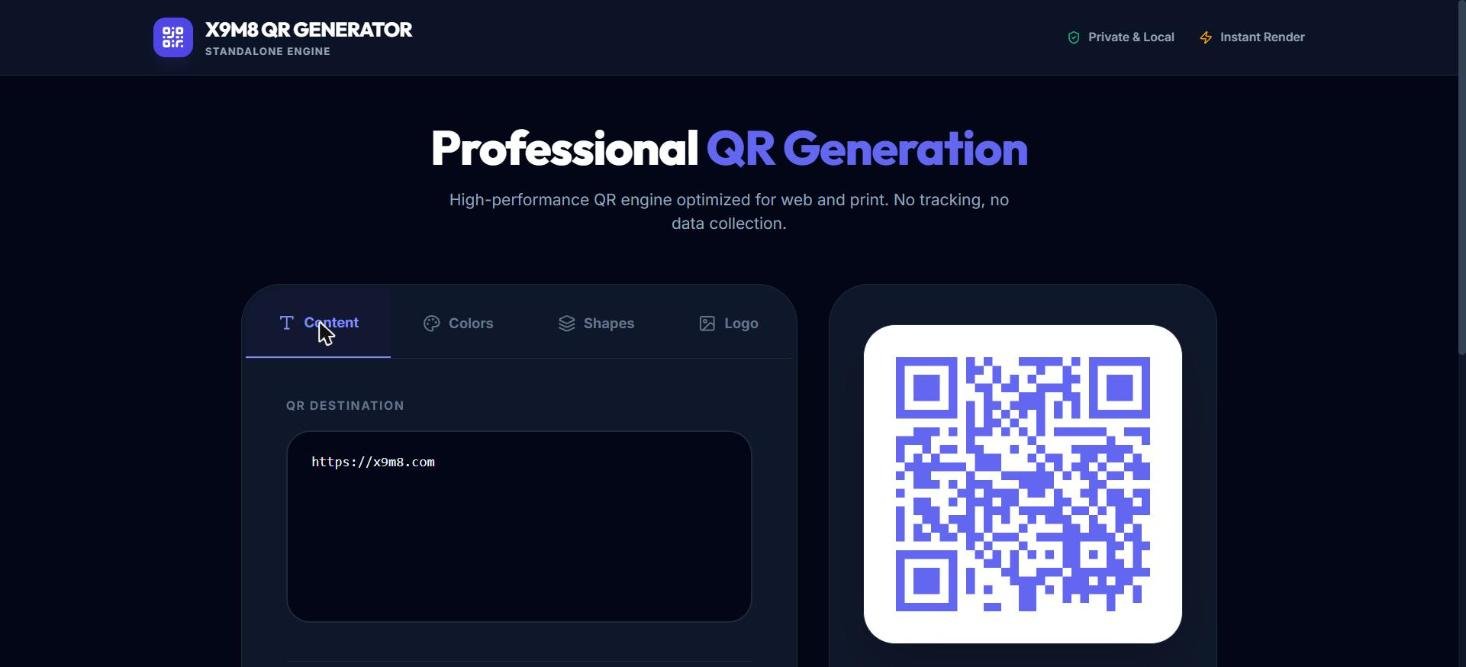
The page has four tabs and two download buttons. Content holds one text box labelled QR destination, pre-filled with https://x9m8.com; whatever is typed there becomes the code. The preview beside it redraws as an SVG in the page.
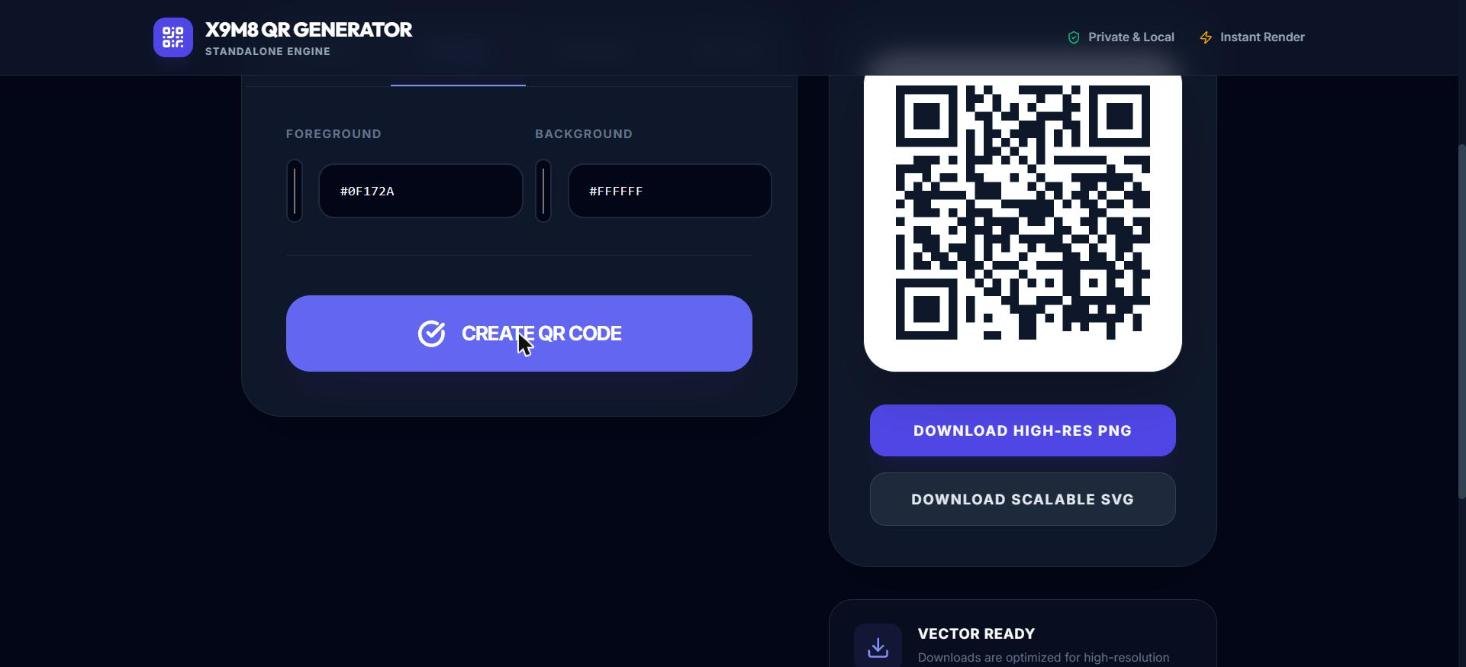
Colors offers a foreground and a background, each with a colour picker and a hex box. The defaults are indigo #6366F1 on white #FFFFFF. In testing, typing a near-black navy (#0F172A) into the foreground box and pressing Create QR Code redrew the preview in that colour. Dark-on-light is the safer choice for scanning, which is opinion rather than specification, so a test scan before printing is worth the ten seconds.
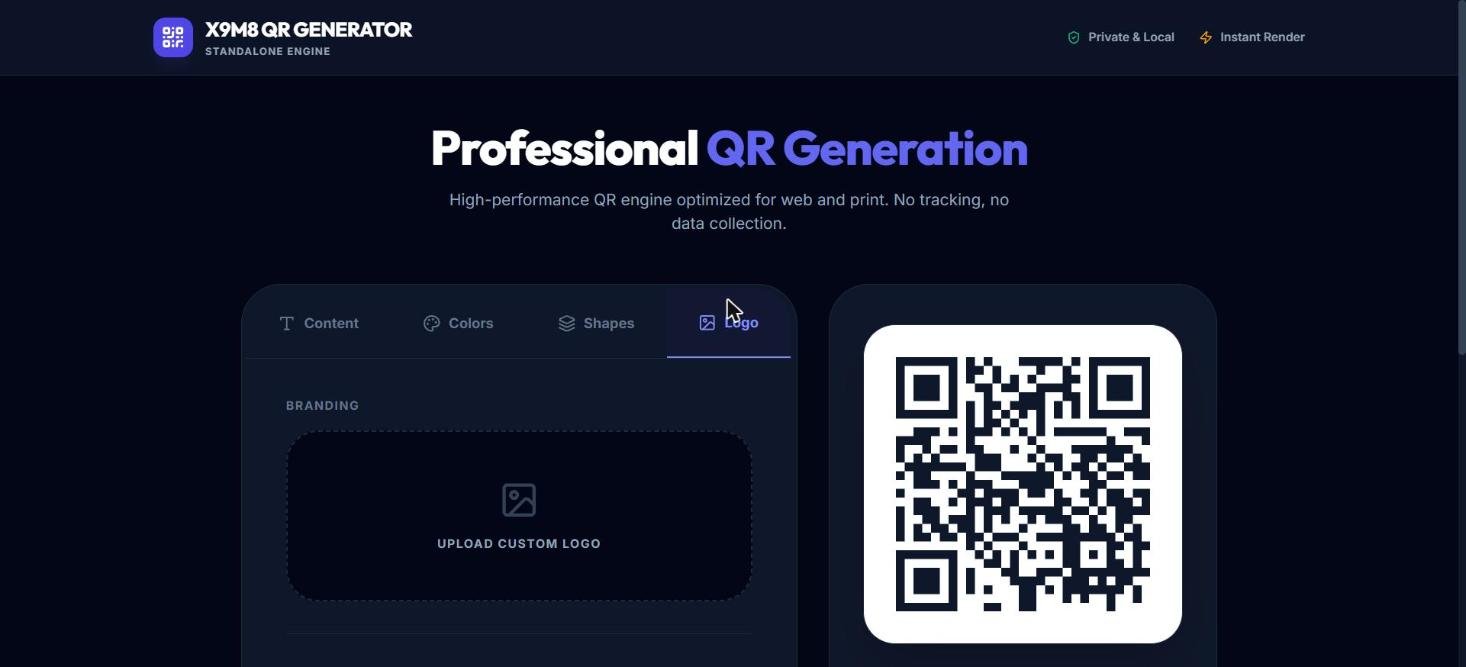
Shapes lists four module styles (Square, Dots, Rounded, Classy) and four eye shapes (Square, Rounded, Circle, Leaf); see the limits below before relying on them. Logo has a single dashed drop area labelled Upload Custom Logo. No logo file was uploaded in this review, so how it is scaled and placed is untested. The two download buttons are Download High-Res PNG and Download Scalable SVG. A vector file scales to a poster without blur, which is the usual reason to prefer SVG for print; the downloads themselves were not triggered during testing.
Why a QR code survives damage, and what a logo costs
Per Wikipedia, the QR code was invented in 1994 by Masahiro Hara at the Japanese company Denso Wave to label automobile parts. The team’s square design was influenced by the black and white stones of a Go board, and the corner position markers use the 1:1:3:1:1 ratio of dark and light, which the researchers found to be the least common sequence on printed matter. Scanners locate those three corner markers first, then decode the grid.
The decoding step relies on Reed–Solomon error correction: redundant backup bytes are stored alongside the data so a scanner can rebuild what a stain or a tear destroyed. The standard defines four levels. Level L restores roughly 7% of codewords, M about 15%, Q about 25% and H about 30%. Higher levels survive more damage but leave less room for data in a given grid. A logo in the centre of a code is treated by the scanner as damage, so it spends part of that budget before any real-world wear begins. The same source notes that damage to a corner marker can defeat a scan even when the total damaged area is small, because those markers must be read before error correction can be applied.
Capacity is generous: at the largest symbol size with the lowest correction level, a code can hold 7,089 digits, 4,296 alphanumeric characters or 2,953 bytes. And the format is free to use. Denso Wave holds patents but chose to waive its rights to a key one for standardised codes, and the US patent expired in March 2015, though “QR Code” itself remains a registered trademark of the company.
What “private and local” means here
The page calls itself “Private & Local” and says “No tracking, no data collection.” That was tested rather than assumed. With the browser’s network recording on, the page was loaded, a distinctive test string was typed into the text box, and the code was generated. On load the page requested the Tailwind CSS script from cdn.tailwindcss.com, a stylesheet from Google Fonts, and its own stylesheet and JavaScript bundle. After the test string was typed, the only new request recorded was a local data: image for the preview. The typed text did not appear in any request to any server.
That supports a narrow claim: in the tested build, the text entered into the box was not sent anywhere. It does not support “no external requests,” because the Tailwind and Google Fonts loads are third-party requests, and any such request tells that host that a page was opened. Neither carries the QR content. The PNG and SVG downloads, and the logo upload, were not part of the check, so nothing is claimed about them. For comparison, the same local-first approach is used by PDF Workbench, another app on this site.
Where it falls short
Two limits showed up in testing. First, the Shapes tab did not change the output: after selecting Dots with Circle eyes, and then Classy with Leaf eyes, and pressing Create QR Code each time, the preview kept square modules and square corner markers, and the underlying SVG path data was identical before and after. Until that is fixed, only the colour and logo options should be counted on. Second, the interface shows no error-correction setting and no built-in scan test, so the cost of adding a logo cannot be tuned, and the only way to know a styled code works is to scan it.
A code for a web address is also only as durable as that address. If the page it points to moves, every printed copy goes stale, which is the main reason people use redirect services, and the main reason those services are worth reading the terms of.
Things to try
- Make a code for any link in the default indigo, then switch the foreground to a near-black and scan both from a phone screen. Current Android and iOS 11+ cameras read QR codes natively, per Wikipedia.
- Open the browser’s developer tools, switch to the Network panel, type a distinctive string and press Create QR Code, then look for that string in the requests.
- Upload a small, simple logo and compare how reliably the code scans with and without it.
- Save the SVG, open it in a vector editor and scale it up to see that the edges stay sharp.
Sources
- QR code history, Go board influence, 1:1:3:1:1 markers, error-correction levels, logo trade-off, capacity, patent and trademark: Wikipedia, QR code
- Network behaviour and tab contents of the app: tested directly on the live tool at x9m8-qr-code-generator.netlify.app