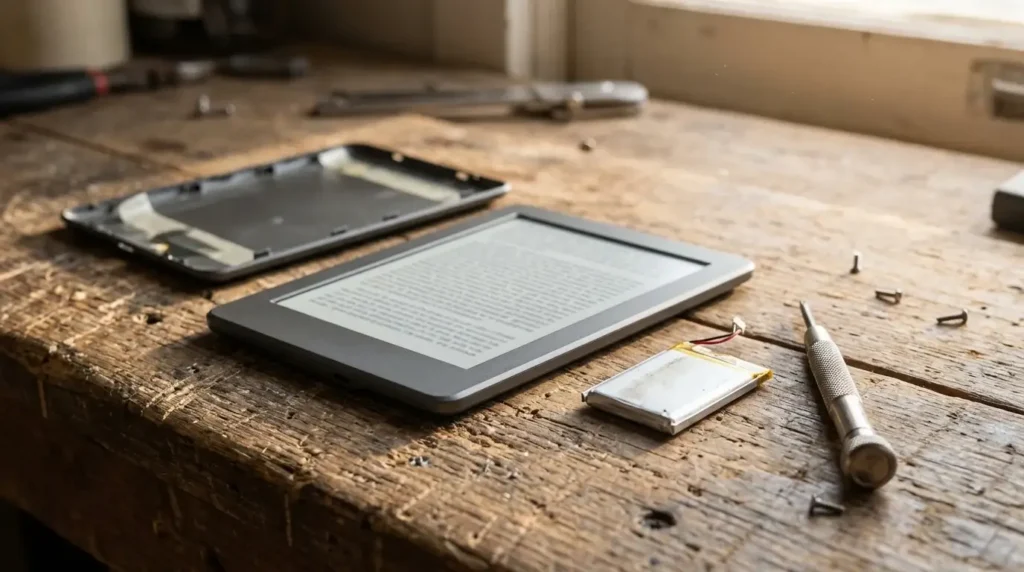
Pull the battery from an e-reader with a page on the screen and the page stays there, a printed-looking sheet of text on a device with no power at all. A 1997 MIT patent application behind the technology put the reason in one line: “Useful electrophoretic displays are bistable: their state persists even after the activating electric field is removed.” Every strange habit of e-ink, the black flash on page turns, the faint ghost of the last page, the color screens that take a full second to settle, comes from the same fact. The picture is made of physical particles that have to be pushed through liquid, and once pushed, they stay put.
The figures below come from E Ink’s own pages and press releases, the original MIT patent and Nature paper, a display power chip datasheet, an IEEE Spectrum article by two E Ink engineers, and a short Python calculation run on a test container. No panels were driven for this post.
Charged pigment in a capsule
Millions of tiny snow globes, each with a voltage across it
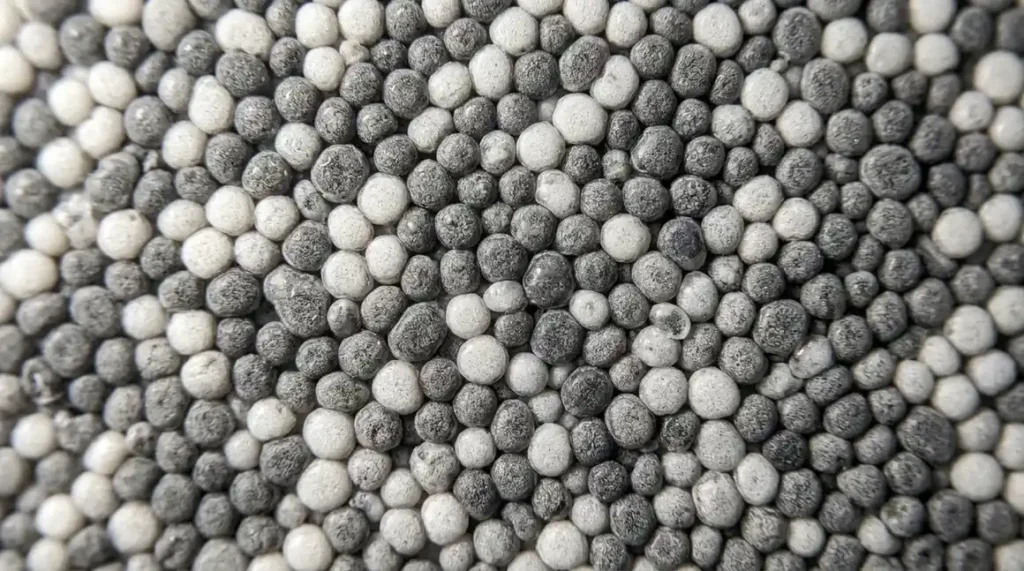
E Ink’s technology page describes the ink as “millions of tiny microcapsules, each about the diameter of a human hair.” Inside each capsule, according to the page’s FAQ, are “positively charged white particles and negatively charged black particles” suspended in “a clear fluid.” (The same page’s technical description assigns the charges the other way round; what matters is that the two pigments carry opposite charges.) Transparent electrodes sit above the capsules and pixel electrodes sit below. Apply a field one way and “corresponding particles move to the top of the microcapsule,” white rising to the viewing side and black sinking out of sight. Flip the field and the order flips.
The idea was published by Barrett Comiskey, J. D. Albert, Hidekazu Yoshizawa and Joseph Jacobson in Nature in July 1998 as “an electrophoretic ink based on the microencapsulation of an electrophoretic dispersion.” The abstract says such displays “possess intrinsic bistability” and “exhibit extremely low power d.c. field addressing,” and that the capsules permit “the fabrication of a bistable electronic display solely by means of printing.” The related MIT patent, US 5,961,804, filed March 18, 1997, gives the white example as polyethylene “with TiO2, which produces white microspheres,” with a preferred particle size of 1 to 5 µm.
The display does not emit light. It reflects room light the way paper does, which is why it is readable in direct sun and unreadable in the dark without a front light. The Kindle Paperwhite review on this site covers what that front light adds in practice.
Why the picture stays when the power goes
A parked car burns no fuel at the curb
An LCD is a valve. It holds liquid crystal in a twisted state only while a voltage holds it there, and a backlight burns the whole time. An e-ink pixel is closer to a parked car: getting it to the curb takes energy, keeping it there takes none. E Ink’s page states that “only the regions of the screen that are changing require updating.”
A reader who turns forty pages in an hour pays for forty updates and nothing in between. The flip side is that a screen updating constantly, scrolling or playing animation, loses most of the advantage, which E Ink’s own page concedes: “constant updates reduce the power efficiency of our ink systems.”
No latch in the electronics holds the image. Once the field is gone, nothing is left pushing the pigment anywhere.
How fast pigment can cross a capsule
A worked calculation from the patent’s own numbers
The MIT patent gives a mobility for its charged particles “on the order of 10⁻⁴ to 10⁻⁵ cm²/V-sec.” Mobility is speed per unit field. A particle in a field E moves at μE, and the field across a capsule of thickness d at voltage V is V/d, so the time to cross is roughly d²/(μV). The patent’s own switching-time formula is written in terms of electrode spacing, fluid viscosity, dielectric constant, voltage and zeta potential, which is the same physics with mobility expanded into its parts.
For the voltage, Texas Instruments’ TPS65185, a power chip sold for E Ink panels, supplies source-driver rails of “15 V” and “–15 V.” The capsule thickness is an assumption here, a range around E Ink’s “diameter of a human hair” comparison. On a test container, Python worked out the crossing times:
transit time t = d^2/(mu*V), V=15 V
mu=1e-08 m^2/Vs: d=20um:   2.7 ms | d=35um:   8.2 ms | d=50um:  16.7 ms
mu=1e-09 m^2/Vs: d=20um:  26.7 ms | d=35um:  81.7 ms | d=50um: 166.7 ms

velocity at d=35um (E = 429 kV/m):
  mu=1e-08: v=4.29 mm/s
  mu=1e-09: v=0.43 mm/s
Half a millimeter per second at the slow end. The pigment moves like grit settling in a jar of oil, and the time scales with the square of the gap, so a capsule twice as thick takes four times as long.
Then compare with what E Ink advertises. Its Gallery 3 announcement of April 25, 2022 gives a black-and-white update time of “350 milliseconds.” IEEE Spectrum’s account by E Ink engineers Edzer Huitema and Ian French says an e-paper update “typically takes less than half a second.” The raw crossing time in the calculation runs from a few milliseconds to under two-tenths of a second. The rest of the budget goes somewhere else, and that somewhere is the waveform.
Ghosting, the flash, and the waveform
The panel has to forget the last page before it can show the next one
A waveform is the sequence of voltage pulses a controller applies to each pixel to move it from one shade to another. Huitema and French describe waveforms that “both push and pull” the particles, and call designing them “as much art as science.” The reason it takes art is history. Where a particle ends up depends on where it started, how long it sat there, and the temperature of the fluid, so the same pulse applied to two pixels with different pasts produces two slightly different grays.
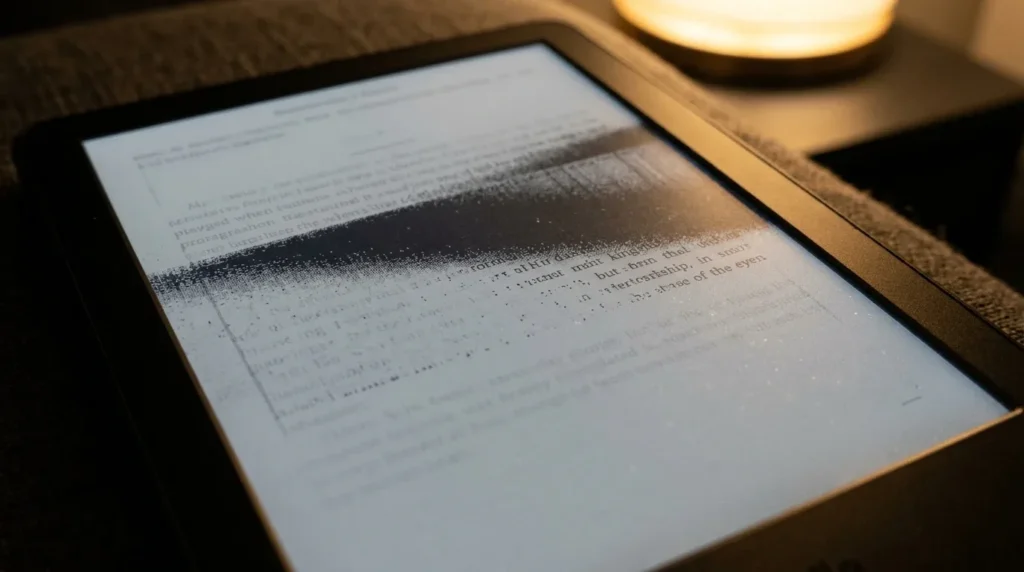
BOOX’s support page defines ghosting as “faint remnants of previous content, like text or images,” remaining after a refresh. Waveshare’s e-paper developer documentation explains how it accumulates: a partial refresh drives only the changed pixels “with no full-screen flashing,” and “after repeated partial refreshes, this error accumulates and produces ghosting.” A full refresh flashes the screen to reset every particle to a known state.
That black flash on a page turn is the panel shaking the snow globe flat before drawing the next picture, a housekeeping step that happens to look like a glitch. Readers that flash only every few pages are betting that the leftover error stays below what an eye can see, and the faint shadow of the previous page is what losing that bet looks like.
Why color e-ink is slow
Two routes to color, and each one pays a different bill
The first route is a filter. E Ink’s Kaleido line pairs a printed color filter array with a black-and-white ink layer. The pigment doing the moving is still black and white, and the filter turns groups of it into colored subpixels. E Ink’s Kaleido 3 page lists “a black and white resolution of 300ppi, and a color resolution of 150ppi,” with “4096 colors.” Color costs half the resolution.
The second route puts color in the ink itself. E Ink’s ACeP system, used in Gallery 3, is a “four particle ink system: cyan, magenta, yellow and white,” per the Gallery 3 release. Every pixel can be any color, but four kinds of pigment share one cell and have to be sorted. Huitema and French explain how: the particles differ in size, since “larger particles will generally move more slowly in liquid than smaller ones,” and their charge can be “very positive, a little positive, very negative, or a little negative.” The waveform uses those differences, driving one color toward the surface and then partly pulling it back so it mixes with the others; the closer a particle sits to the surface, the stronger its color shows.
Sorting by speed takes time by definition. Gallery 3’s published modes, divided by its own black-and-white figure:
fast color:          500 ms = 1.4x B/W 350 ms
standard color:  750-1000 ms = 2.1x to 2.9x
best color:         1500 ms = 4.3x
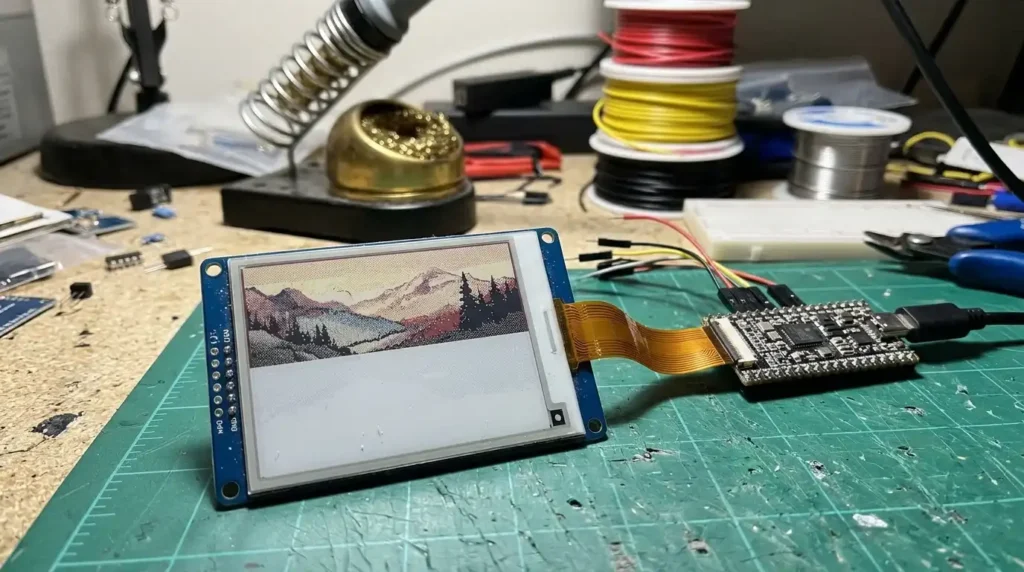
And Gallery 3 was the fast one. E Ink’s Gallery 3 product page says the first-generation Gallery had “a black and white update time of two seconds and color updates of ten seconds.” For small hobby panels with three or more pigments, Waveshare’s documentation puts a refresh at “10–30 seconds,” with its six-color PhotoPainter board taking “approximately 30 seconds” for a standard full refresh.
Where people get burned
Cold weather, pulled plugs and too many partial refreshes
Cold is the first trap. The patent’s switching-time formula includes the fluid’s viscosity, and treating crossing time as simply proportional to it (an illustrative assumption, at the 35 µm, slow-mobility case) gives:
eta x1: t=82 ms
eta x2: t=163 ms
eta x4: t=327 ms
Waveshare’s documentation says it directly: “Electrophoretic particles move more slowly at low temperatures,” and “the lower operating-temperature limit of most displays is around 0°C.” A waveform tuned for a warm room, run in a cold garage, can stop short and leave a gray where a white should be.
The pulled plug is the second. Bistability cuts both ways: whatever state the particles were in when power stopped is the state they keep. Waveshare warns “Do not disconnect power during a refresh,” since the image may be left in an intermediate state that takes a full refresh to recover. Its notes on sleep mode add a related catch: after the driver chip hibernates, its previous-frame data becomes invalid, so a full refresh has to come before partial updates resume.
Partial-refresh abuse is the third, and it catches hobbyists building dashboards and weather stations. Partial refreshes are fast and flash-free, so the temptation is never to do anything else. Waveshare recommends “a full refresh after several partial refreshes (typically every 5–10 updates),” and for its four-color and full-color boards, at least 180 seconds between refreshes. Skip the full refresh and the dashboard slowly turns into a palimpsest of every number it ever showed.
There is a case against all of this praise for paper-like screens. The cost of bistability is that the display can never just show the current image; it always has to undo the last one first. LCDs and OLEDs carry no memory of the last frame, and that suits video. Touch sensing on top of the ink is a separate set of trade-offs, the subject of the capacitive touchscreen explainer. E-ink solved battery life by building a screen that remembers, and every slow, flashing, ghosting trait is the price of that memory.
A page left on an e-reader in a drawer is still there when the drawer opens. On the reading devices in people’s hands, which do the full-flash refresh more, the cheap ones or the expensive ones, and has anyone counted the pages between flashes on their own?
Sources
- E Ink, How it works: https://www.eink.com/tech/detail/How_it_works
- Comiskey, Albert, Yoshizawa and Jacobson, An electrophoretic ink for all-printed reflective electronic displays, Nature 394, 253–255 (1998), abstract via RePEc: https://ideas.repec.org/a/nat/nature/v394y1998i6690d10.1038_28349.html
- US Patent 5,961,804, Microencapsulated electrophoretic display (MIT, filed 1997): https://patents.google.com/patent/US5961804
- Texas Instruments, TPS65185 PMIC for E Ink displays: https://www.ti.com/product/TPS65185
- E Ink, E Ink Launches E Ink Gallery 3 (April 25, 2022): https://www.eink.com/news/detail/E%20Ink_Launches_E%20Ink_Gallery_3_Color_ePaper_for_Sustainable_Digital_Reading
- Edzer Huitema and Ian French, How E Ink Developed Full-Color e-Paper, IEEE Spectrum (2022): https://spectrum.ieee.org/how-e-ink-developed-full-color-epaper
- BOOX Help Center, Understanding E Ink Technology in BOOX Devices: https://help.boox.com/hc/en-us/articles/360027486972-Understanding-E-Ink-Technology-in-BOOX-Devices
- Waveshare, ESP32 E-Paper tutorial documentation: https://docs.waveshare.com/ESP32-Peripheral-Tutorials/Display/E-Paper
- E Ink, E Ink Kaleido Plus release: https://www.eink.com/news/detail/E-Ink-Releases-Latest-Generation-Print-Color-Display:-E-Ink-Kaleido™-Plus
- E Ink, Kaleido 3: https://www.eink.com/brand/detail/Kaleido3
- E Ink, Gallery 3: https://www.eink.com/brand/detail/Gallery_3