





Surface Laptop 15 review from published tests: Notebookcheck's 85% verdict, Core Ultra X7 benchmarks, the 65 W cooling limit, and who should pay $2,749.
This Surface Laptop 15 review is built from the spec sheet and from independent lab results, mostly Notebookcheck’s, because x9m8 does not test hardware. Microsoft sells the line as Surface Laptop 8, and the 15-inch Intel version reviewed here uses a Core Ultra X7 368H from Intel’s Panther Lake generation. All figures below belong to the outlet named next to them.
Notebookcheck published its full review on October 5 and followed with two shorter pieces on October 7. The headline finding is that the Intel model beats the Snapdragon alternative on graphics, compatibility and, by Notebookcheck’s reading, battery life. The less flattering finding is that a chassis designed for a cooler chip is now holding the new one back.
That tension is the whole review. The Surface Laptop 15 scores well, costs a lot, and leaves performance on the table for reasons that are visible on the spec sheet.
The configuration Notebookcheck tested
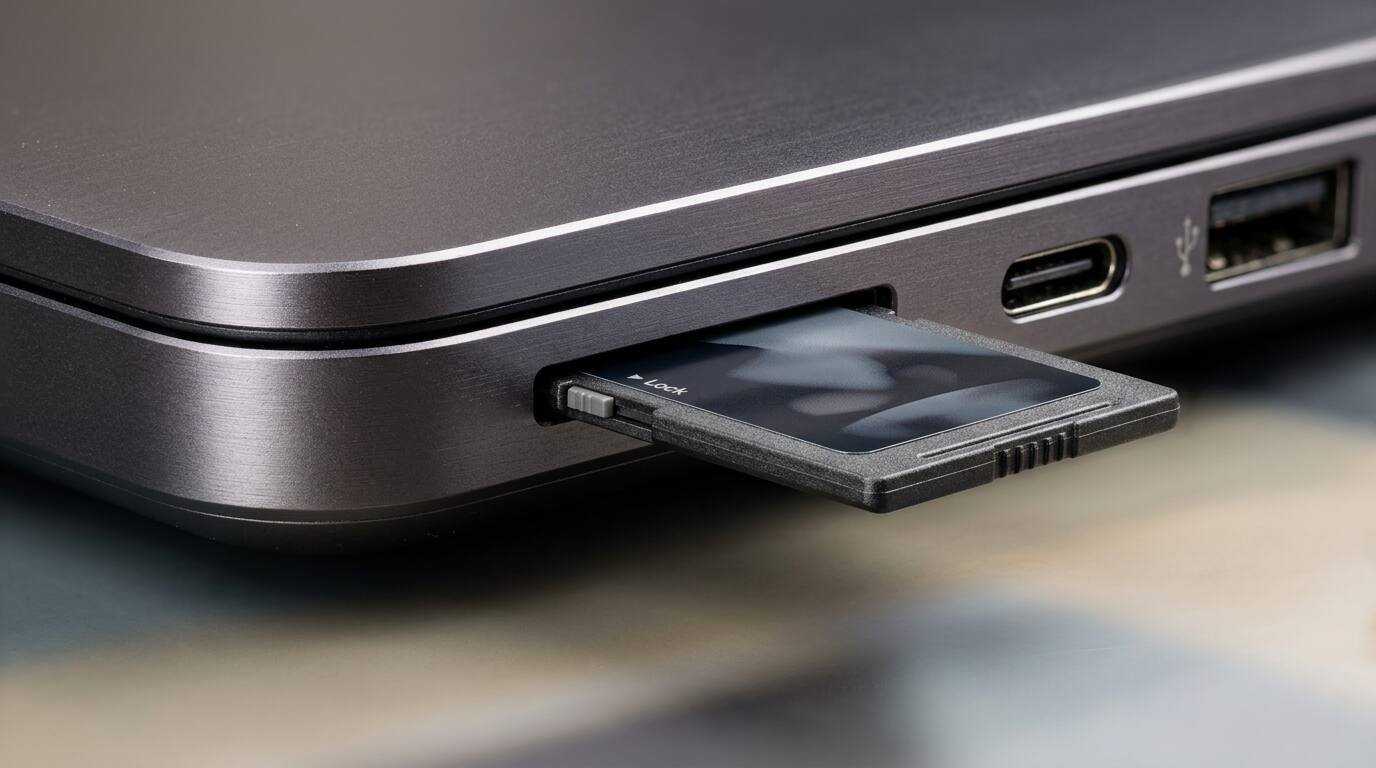
The unit was a 15-inch model with the Core Ultra X7 368H (16 cores, 16 threads), Intel Arc B390 graphics, 16 GB of soldered LPDDR5x-8533 and a 256 GB SK hynix SSD. Notebookcheck lists a 66 Wh battery, two Thunderbolt 4 ports, one USB 3.x Gen 1 port, a microSD Express reader, Wi-Fi 7 and a weight of 1.651 kg, with a 255 g power supply.
Pricing is where sources split by market. Notebookcheck cites 2,400 euros for the tested configuration and says the US starts at $2,749.99 for the Core Ultra X business configuration direct from Microsoft. It adds that business models through independent retailers are significantly less attractive on price because those retailers rarely discount. For context, IT Pro priced its 13.8-inch business review unit, with 32 GB of RAM, at 1,599.99 pounds in July.
Display: accurate, bright enough, not OLED
The panel is a glossy 15-inch IPS touchscreen at 3270 x 2180 and 120 Hz. Notebookcheck measured a peak of 537 cd/m2 (520.3 on average) and a contrast ratio of about 1852:1 from a 0.29 cd/m2 black level. Coverage came in at 100 percent sRGB, 97.9 percent Display P3 and 86.3 percent AdobeRGB.
Out-of-box accuracy is good: CalMAN returned a ColorChecker deltaE of 1 and a greyscale deltaE of 1.6. Notebookcheck found no PWM flicker, and measured response times of 21.5 ms black-to-white and 45.7 ms for grey transitions, which are slow by gaming-panel standards but ordinary for a productivity IPS. HDR peaked at 518 cd/m2.
The one visible weakness is black level. Notebookcheck says contrast does not match an OLED, and anyone moving from an OLED laptop should expect grayer shadows. The 13.8-inch sibling measured differently at IT Pro, which recorded 444.08 cd/m2 peak brightness; that is a different panel size and a different test unit, so the two should not be merged into one number.
CPU and GPU: faster graphics, slower multicore than Snapdragon
Notebookcheck’s numbers for the 368H are Cinebench 2024 at 960 multi-core and 127.1 single-core, Geekbench 6.7 at 16,943 multi-core and 2,980 single-core, and 3DMark Time Spy graphics at 6,407. Fire Strike graphics landed at 16,839 and Steel Nomad at 1,301. The SSD read about 4,734 MB/s sequentially in CrystalDiskMark, and Wi-Fi 7 throughput reached roughly 2,440 Mbit/s transmit.
Notebookcheck’s closest reference point is the Asus Zenbook A16 with a Snapdragon X2 Elite Extreme. There, the Snapdragon chip wins CPU by a wide margin: Cinebench 2024 multi-core of 1,761 against the Surface’s 960, and Geekbench multi-core of 23,204 against 16,943. The Surface reverses the result on graphics, with Time Spy at 6,407 against 4,064 and Fire Strike at 16,839 against 11,834.
So the claim that Intel clearly beats Snapdragon needs unpacking. It holds for graphics, for games and apps that dislike emulation, and for battery in Notebookcheck’s view. It does not hold for raw multi-core CPU. Notebookcheck says exactly that: the Snapdragon CPU is slightly faster, the Intel GPU is much faster. I would call ‘slightly’ generous given the Zenbook comparison, though that comparison uses a different laptop with its own power limits.
The cooling and power problem
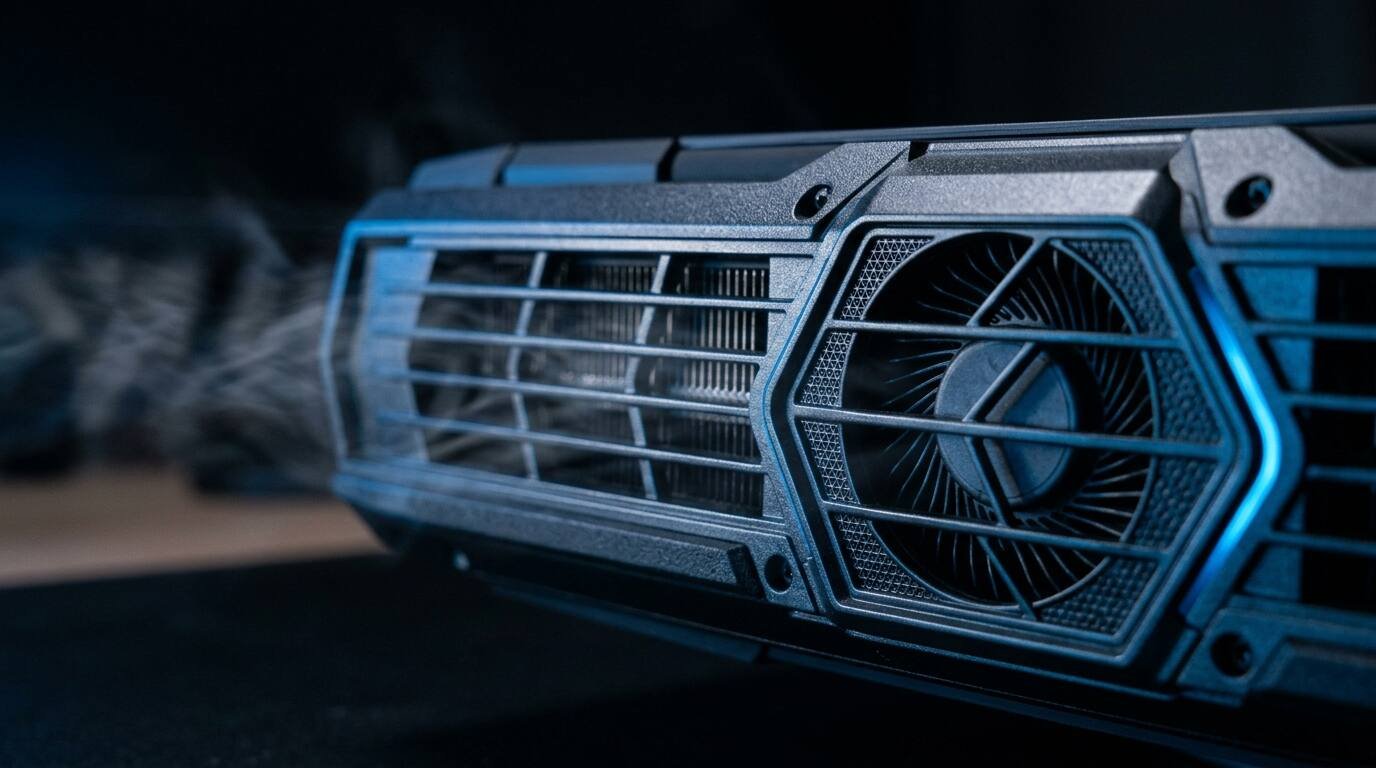
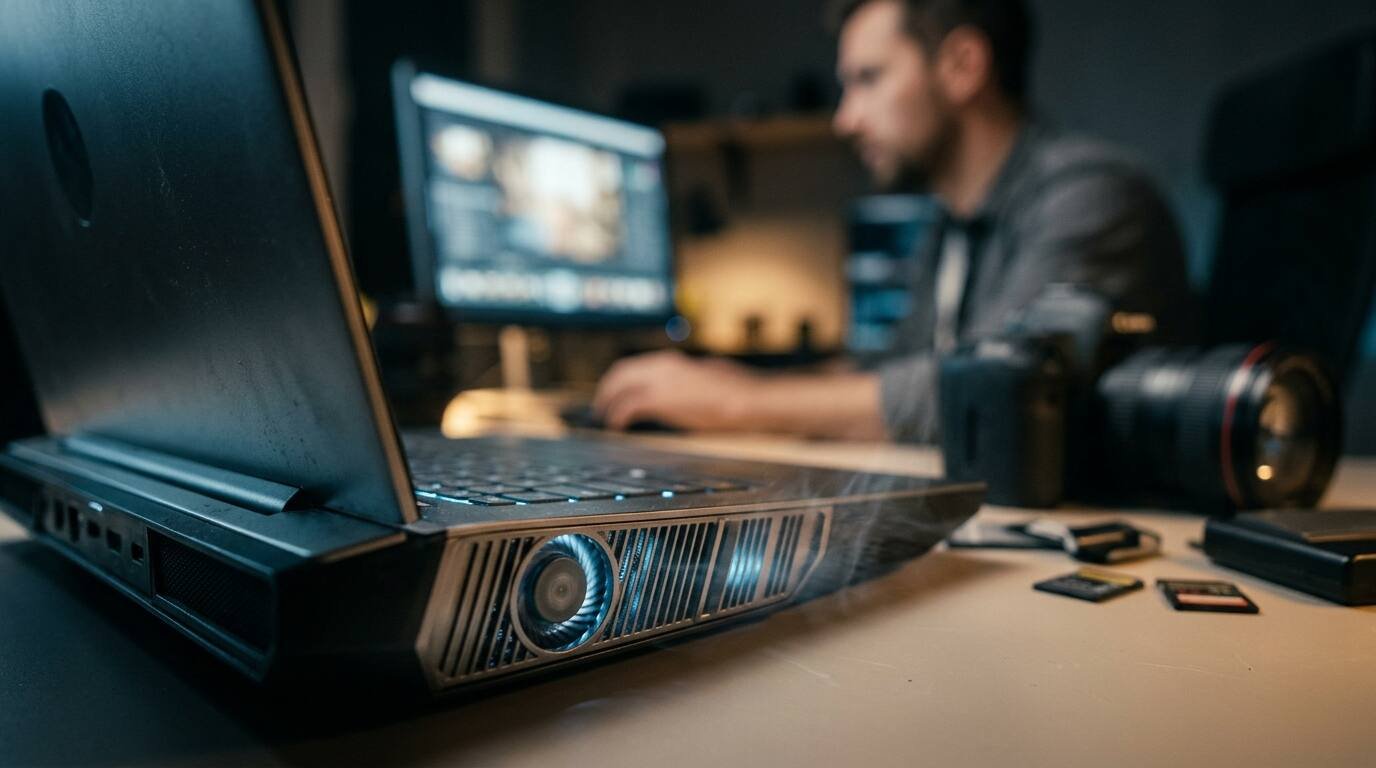
A second Notebookcheck piece, published October 7, lists the shortcomings it wants Microsoft to fix. The single-fan cooling system is carried over from the previous model, where it only had to manage Lunar Lake at up to 37 W. With Panther Lake, short-term power rises to 65 W and drops to 35 W after a brief period, and Notebookcheck says the Arc B390 GPU needs slightly more than 40 W for full performance.
The bundled 65 W adapter compounds it. Notebookcheck says the adapter cannot keep up under heavy load, so the battery drains during peak use, and that even a 140 W adapter caps system draw at 62 W. The review also reports that sustained GPU performance falls about 20 percent after a few minutes at 35 W, plus a noticeably warm keyboard and some coil whine.
None of this shows up in the headline benchmarks, which are short bursts. It shows up in long exports and long gaming sessions, which is where a 15-inch machine with a $2,700 starting price is asked to prove itself.
Battery life: reported, but thinly sourced
Notebookcheck’s October 7 summary reports 16 hours in its Wi-Fi test and calls the battery runtimes good. In the review summary I could open, that runtime figure was not repeated and I could not see the full test chart, so treat 16 hours as a single number from a shorter piece.
The only other runtime is IT Pro’s 18 hours 43 minutes in a looped video test at 170 cd/m2, which was on the 13.8-inch model with a different battery and a different method. Notebookcheck also says its expectation that the Snapdragon version lasts slightly less rests on Microsoft’s spec sheets, not on a measurement. That is a prediction, not a result.
Pros and cons from the published record
These points come from Notebookcheck’s lists unless a different outlet is named.
- Pro: Stable aluminum chassis, comfortable keyboard and good input devices.
- Pro: Accurate screen out of the box, with no PWM flicker.
- Pro: Very fast microSD Express reader, measured around 567 MB/s average on a JPG copy test.
- Pro: Strong integrated graphics and no app or game compatibility problems that Windows on Arm brings.
- Pro: Good maintenance access and quiet operation in everyday use.
- Con: Soldered RAM, expensive memory and storage upgrades.
- Con: 65 W adapter is insufficient under load; sustained GPU performance drops about 20 percent.
- Con: Keyboard warms noticeably under load, and coil whine is reported.
- Con: No WWAN option and only a 12-month warranty.
- Con: Elevated black levels compared with OLED rivals.
Who should buy it, and who should look elsewhere
The buyer here is a professional who wants a large, quiet, color-accurate Windows laptop, values a clean chassis and the microSD Express reader (photographers, mostly), and is buying on a company budget. For that person, 85 percent from Notebookcheck is a respectable score, and the ‘best Windows laptop in Microsoft’s lineup’ verdict is fair.
Everyone else has better options on the same silicon. Notebookcheck says the Lenovo ThinkPad X9-15p offers a better overall package, and in its separate piece names the Dell XPS 16 and the ThinkPad as stronger with the same Intel processor. Its fall 2026 roundup scored the ThinkPad X9-15p at 89.9 percent and the Surface Laptop 8 13.8 at 88.4 percent, both above the 85 percent given to this 15-inch model.
If your work is multi-threaded CPU rendering or compiling, the Snapdragon comparison above argues for a different machine entirely. If you game or run software that has no Arm build, the Intel graphics advantage is real and this is the better Surface choice. If price against capability is the concern, wait for Microsoft to address the cooling and the power supply, because the weaknesses are in the design, not the chip.
Frequently asked questions
Does the Surface Laptop 15 with Intel beat the Snapdragon version?
In Notebookcheck’s testing, on graphics and compatibility, yes. On multi-core CPU, the Snapdragon chip is faster; Notebookcheck’s reference Zenbook A16 scores 1,761 in Cinebench 2024 multi-core against the Surface’s 960. Battery superiority is Notebookcheck’s judgment, not a head-to-head measurement.
How much does the Surface Laptop 15 cost?
Notebookcheck cites 2,400 euros for the tested configuration and a US start of $2,749.99 for the Core Ultra X business configuration. Consumer pricing and other configurations were not confirmed in the sources I read.
Can you upgrade the RAM?
No. Notebookcheck lists non-upgradeable RAM as a con and notes that Microsoft’s RAM and storage upgrades are expensive. The reviewed unit had 16 GB of LPDDR5x-8533.
How long does the battery last?
Notebookcheck reports 16 hours in its Wi-Fi test in a short follow-up piece. IT Pro measured 18 hours 43 minutes on the 13.8-inch model in a video loop, a different size and method.
The Surface Laptop 15 is a good laptop wrapped around a thermal budget that a hotter chip has already outgrown. Notebookcheck’s 85 percent is earned by the display, the chassis and the compatibility, and it is capped by a single fan and a power brick that cannot feed the GPU. Buyers locked into the Surface ecosystem or a corporate catalog will be fine. Buyers comparing across brands should treat the ThinkPad X9-15p and Dell XPS 16 as the real benchmark, check current street pricing for the Intel configuration, and read a second battery test before trusting any single runtime number.
Sources
- Notebookcheck: Surface Laptop 15 Gen 8 review (Intel Core Ultra X7)
- Notebookcheck: Another blow for Windows on ARM, the Intel Surface Laptop 15 beats the Snapdragon model
- Notebookcheck: Challenges that must be addressed for the next Surface Laptop
- Notebookcheck: Best laptops for fall 2026
- IT Pro: Microsoft Surface Laptop 8 review (13.8-inch)