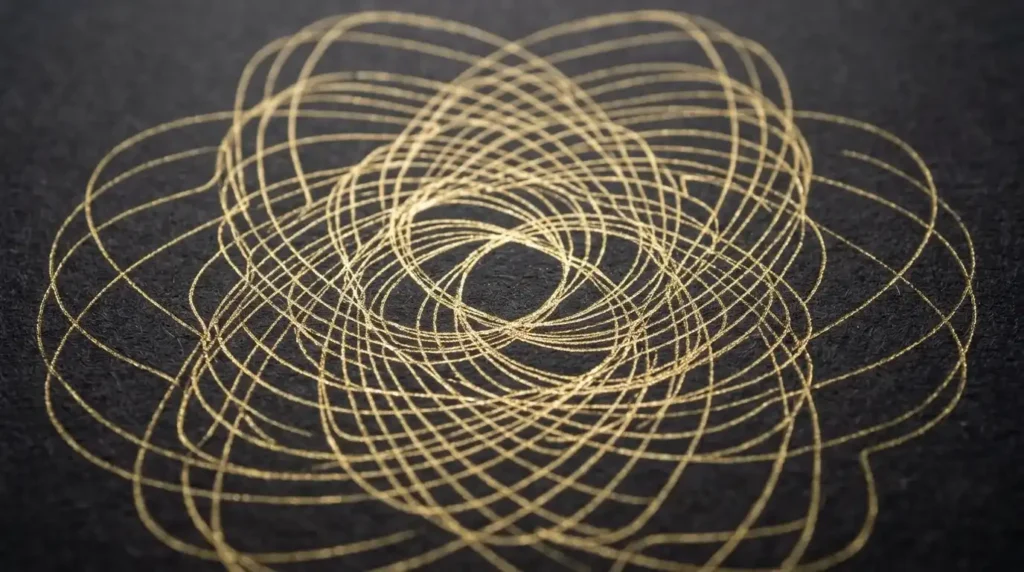
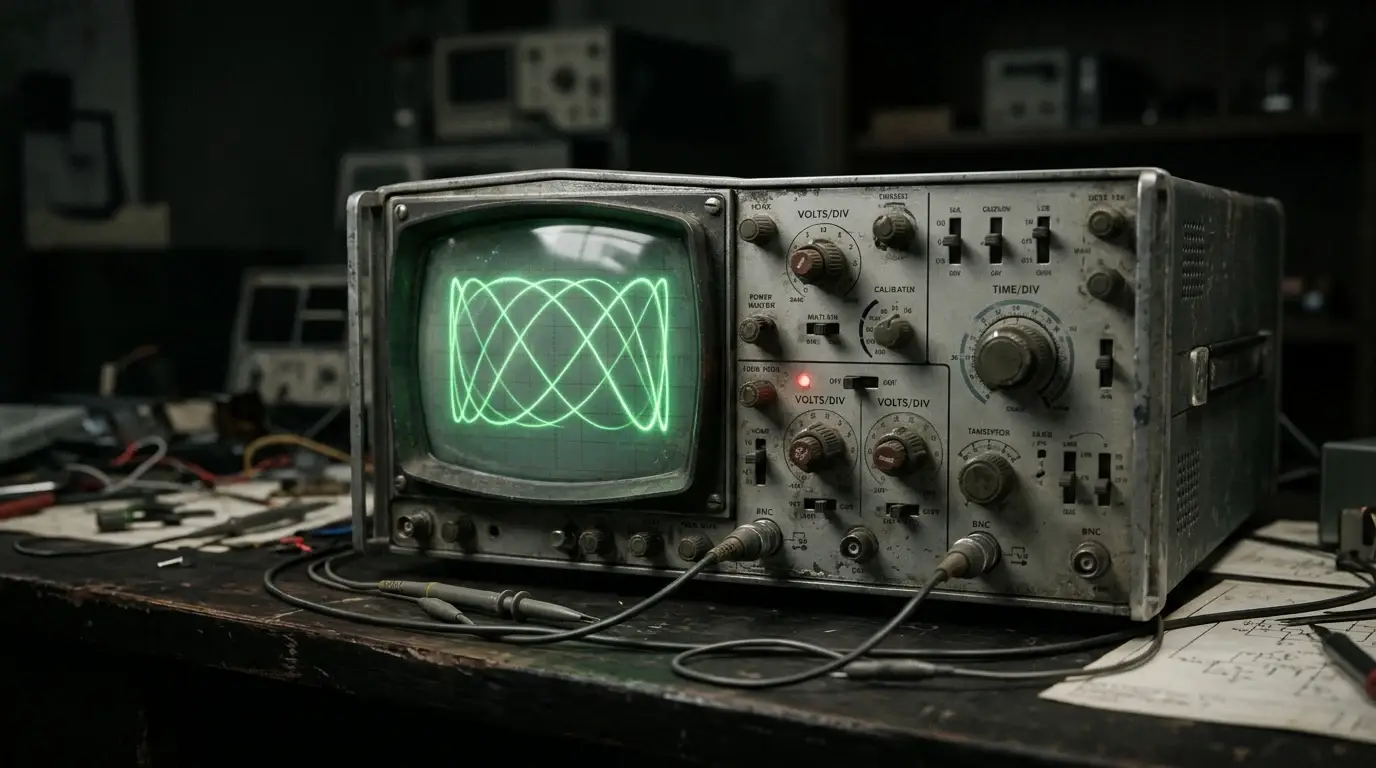
A Lissajous figure is the path of a point whose x and y coordinates each follow a sine wave. The simulator below draws one live, then switches to a harmonograph mode in which the swing decays and the line spirals inward. It is built by the same owner as Marcellino NY, which carries a companion piece on the machine.
The equations behind the Lissajous mode
In Lissajous mode the app plots x = sin(p t + φ) and y = sin(q t). With p and q whole numbers, the curve closes and then repeats exactly, so 3:2 draws the familiar looping figure and 1:1 draws an ellipse whose shape depends on the phase φ. A non-integer ratio never closes and slowly fills the square.
Jules Lissajous worked with tuning forks rather than sliders. According to MacTutor, he reflected a light beam from mirrors on two forks vibrating at right angles, and the curves were visible only through persistence of vision. The Kenyon College apparatus collection says Nathaniel Bowditch first described such figures in 1815, and a laser and two mirrors now does the same job.
Adding decay for the harmonograph mode
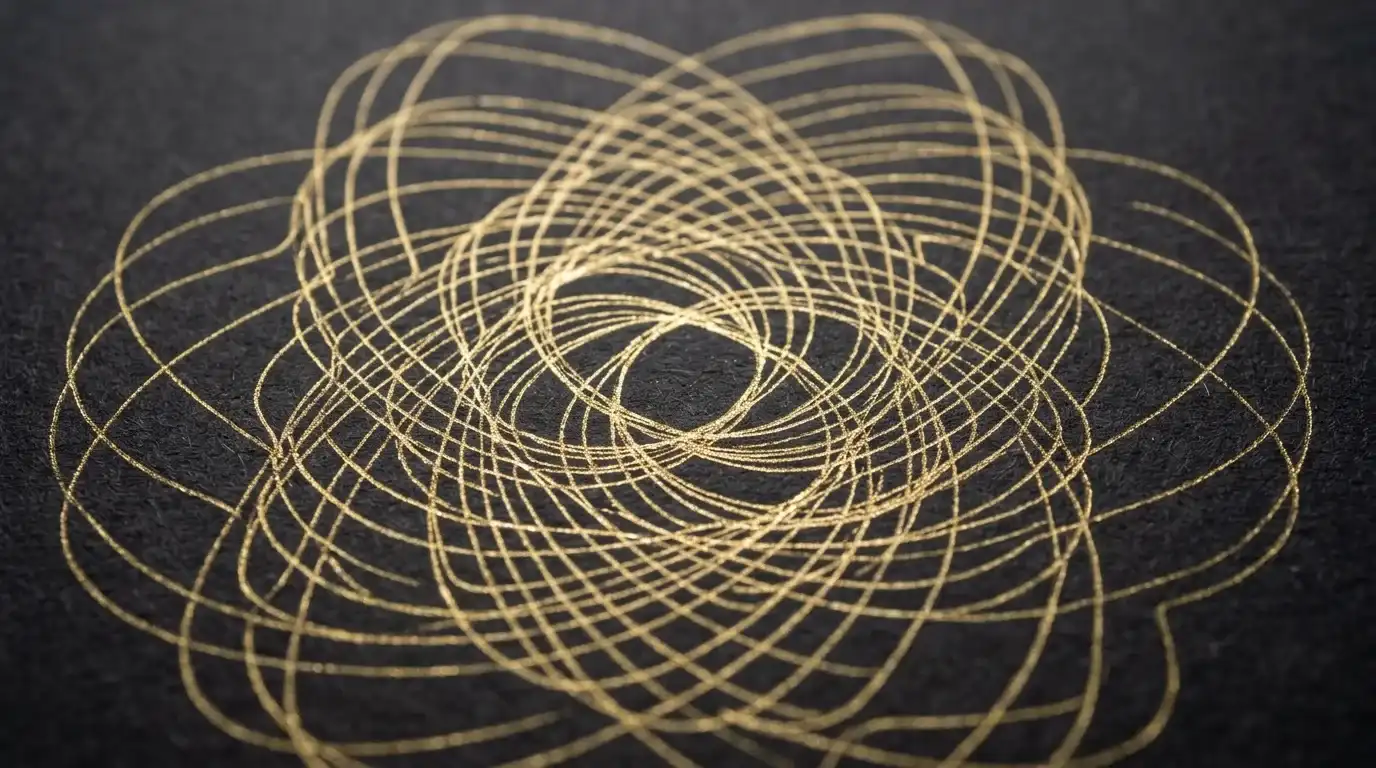
A pendulum loses energy, so its swing shrinks. The harmonograph mode multiplies each axis by e^(−d t), and uses two slightly detuned oscillations on each axis: (sin(p t + φ) + sin((p + δ) t)) / 2 for x, with a matching pair for y. Detune δ makes the pair drift in and out of step, which turns a closed loop into a spiral that tightens as it decays. The Decay slider sets d, and the drawing stops when the amplitude falls below 1 percent.
This is an idealized model. The Science Museum Group describes harmonographs as 1870s machines in which pendulums, or in Donkin’s 1873 design gears, drove a pen, and real machines have friction and coupling that the equations leave out.
Frequency ratios and tuning
The presets (1:1, 2:1, 3:2, 4:3, 5:4, 5:3, 7:4) match intervals familiar from music, and the Sound button plays the two frequencies as sine tones at 110 Hz times each ratio, for illustration. The link is historical as well: the Whipple Museum describes the forks as part of an apparatus for visualizing and analyzing sound vibrations, used to calibrate forks during manufacture.
Using it
- Pick Lissajous or Harmonograph at top left.
- Drag the horizontal and vertical frequency sliders (1 to 9, in steps of 0.01) or press a preset ratio.
- Change the phase to open or close the loop.
- In Harmonograph mode, adjust detune and decay, then press Redraw.
- Use Full screen for the largest canvas.
The URL updates with the current settings, so a particular drawing can be shared as a link.
Sources