






Learn how to build a WordPress website from scratch: pick a domain and host, install WordPress, choose a theme, add pages, and publish safely.
Building a WordPress website is within reach of anyone who can follow a checklist. WordPress powers a large share of the web, it is free to install, and you do not need to write code to get a clean, professional site online. What you do need is a sensible order of operations, because most beginner mistakes come from skipping setup steps that are hard to fix later.
This guide covers five steps: getting a domain and hosting, installing WordPress, choosing a theme and settings, creating the pages every site needs, and adding the basics that keep a site safe and findable. Screens vary between hosts and versions, so use the labels here as a map and not as exact wording.
What You Need
- A budget for a domain name and basic hosting
- An email address you can access
- A rough idea of what the site is for and who will read it
- A few hours spread over a weekend
Step 1: Choose a Domain and Hosting
Pick a short, memorable domain name that is easy to spell aloud, and prefer a .com if it is available. Register it with a domain registrar or buy it bundled with hosting.
Choose a hosting plan that offers one-click WordPress install, a free SSL certificate, and daily backups. Shared hosting is enough for a new site and you can upgrade later if traffic grows.
Step 2: Install WordPress
Most hosts offer a one-click WordPress installer in their control panel. Choose your domain, set a site title, create an admin username and a strong password, and let the installer run.

When it finishes, sign in at your domain followed by /wp-admin. Avoid using admin as the username, and enable two-factor authentication on the account as soon as you can.
Step 3: Pick a Theme and Set the Basics
Open Appearance, then Themes, and choose a lightweight, well-reviewed theme. A simple theme loads faster and is easier to customize than a heavy multipurpose one.
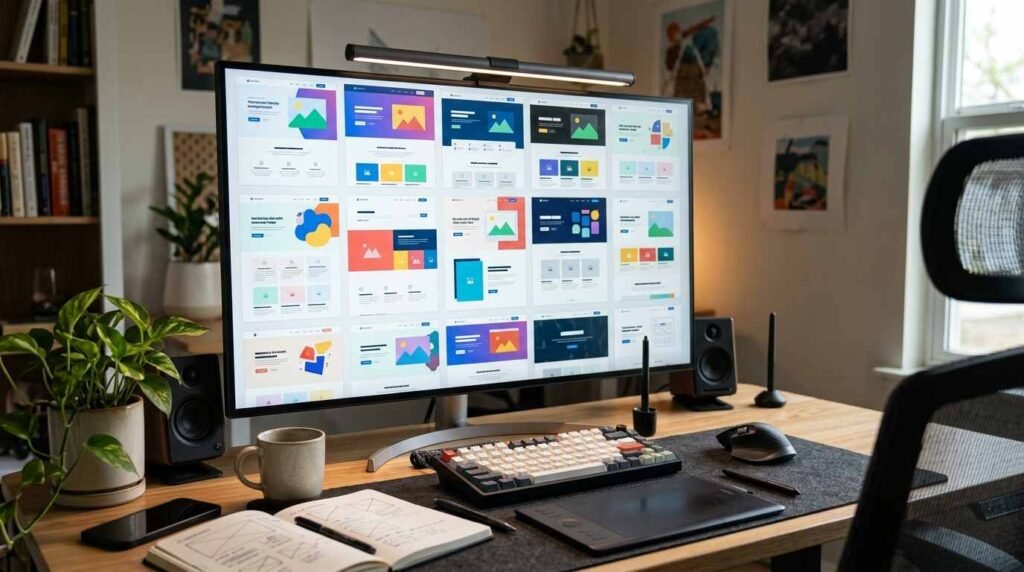
Next, go to Settings, then Permalinks, and select Post name so your addresses read cleanly. Under Settings, then General, set the site title, tagline, and time zone. Under Reading, decide whether the home page shows posts or a static page.
Step 4: Create the Essential Pages
Under Pages, add Home, About, Contact, and a Privacy Policy. Write plain, honest copy that tells visitors who you are and what the site offers.
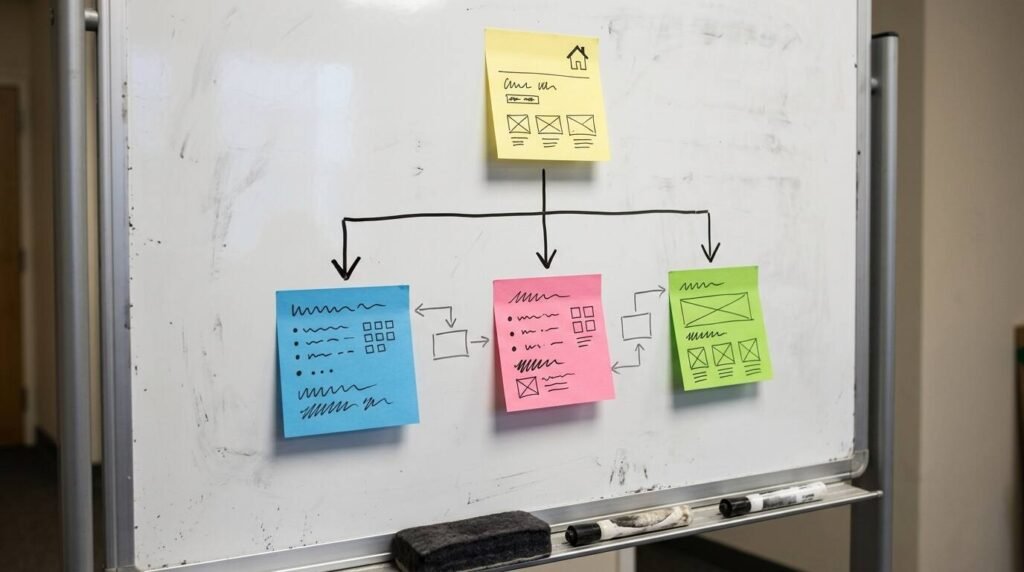
Add the pages to your main menu from the editor or from Appearance, then Menus. Keep the menu short, with five or six items at most, so visitors can find things without thinking.
Step 5: Add Security, Backups, and SEO Basics
Install only the plugins you need: one for security, one for backups, and one for search engine basics. Every extra plugin adds maintenance and risk, so resist the urge to install many.

Confirm your site uses https, set up automatic backups, and enable automatic updates for WordPress and plugins. Then submit your site to Google Search Console so it can be discovered and monitored.
Troubleshooting
- If you see a white screen after a plugin change, deactivate the plugin from the hosting file manager
- If the site is slow, remove unused plugins and compress large images
- If you are locked out, use the password reset link or ask your host to reset access
- If pages show a not secure warning, check that the SSL certificate is active
Frequently Asked Questions
Is WordPress free? The software is free. You pay for a domain, hosting, and any premium themes or plugins you choose.
Do I need to know how to code? No. Themes and the block editor handle layout without code, though basic knowledge helps for deeper changes.
WordPress.com or WordPress.org? WordPress.org software on your own hosting gives you the most control. WordPress.com is a hosted service with simpler setup and some limits.
How long until I can publish? The technical setup takes a few hours. Writing good content takes longer.
Bottom Line
A good WordPress website is mostly a matter of doing the unglamorous steps in order. Secure the domain and host, install cleanly, keep the theme simple, build the essential pages, and automate backups and updates. After that, the only job left is publishing things worth reading.