






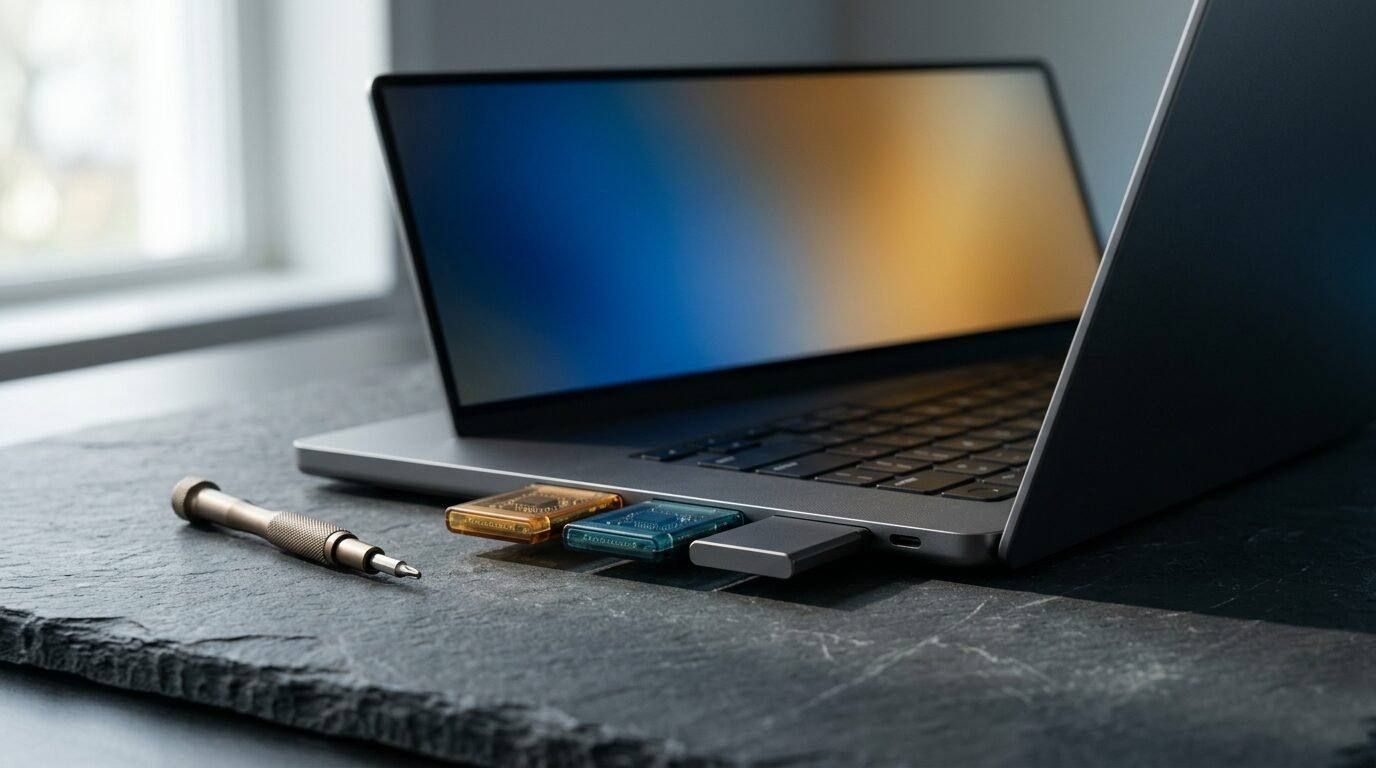
Seven published reviews, one repairable laptop, and a memory shortage that rewrote the price tag. Here is where the Framework Laptop 13 Pro stands.
Framework built its name on one stubborn idea: a laptop should be something you can open, fix and upgrade without a service appointment. The Laptop 13 Pro keeps that idea and tries to answer a harder question, which is whether a repairable machine can also feel like a premium one.
On build quality, most reviewers say yes. On price, the answer got complicated in a hurry, because a memory shortage pushed the cost of the laptop’s LPCAMM2 modules sharply higher while the first reviews were still being written.
The Scorecard
Published scores bunch up in the high 80s, which is unusual for a laptop that also takes real criticism over heat and price. The table shows what each outlet tested and how it rated the result.
| Outlet | Published | Tested configuration | Rating |
|---|---|---|---|
| Engadget | Jul 29, 2026 | Core Ultra X7 358H, 32 GB, 1 TB | 8.9 / 10 |
| Gizmodo | Jul 28, 2026 | Core Ultra X7 358H, 32 GB, 1 TB, Ubuntu 24.04 | 4.5 / 5, Editor’s Choice |
| Notebookcheck | Jul 28, 2026 | Core Ultra X7 358H, 32 GB, 1 TB | 88% |
| PC Gamer | Jul 27, 2026 | Core Ultra X7 358H, 32 GB, 1 TB | 88 (scale not stated in the text) |
| Tom’s Hardware | Jul 27, 2026 | Core Ultra X9 388H, 64 GB, 2 TB, DIY Edition | No numeric score |
| Tom’s Guide | Aug 2, 2026 | Core Ultra X7, 32 GB, 1 TB, DIY Edition | No numeric score |
| Phoronix | Jul 27, 2026 | Linux-only testing, Ubuntu 26.04 LTS | No numeric score |
Both Tom’s outlets treat the 13 Pro as the most complete version of the Framework idea so far, and both name cost as the obstacle. Everyone else lands somewhere between very good and excellent.
- A stiffer CNC aluminum chassis
- The first haptic touchpad in a Framework laptop
- A bright 3:2 touchscreen
- Comfortable keyboard with 1.5 mm travel
- Repairability that still leads the category
- High core temperatures under sustained load
- A grainy webcam and thin speakers
- No OLED or HDR option
- Plastic magnetic bezels
- A price that climbed during testing
What Changed From the Original Framework 13
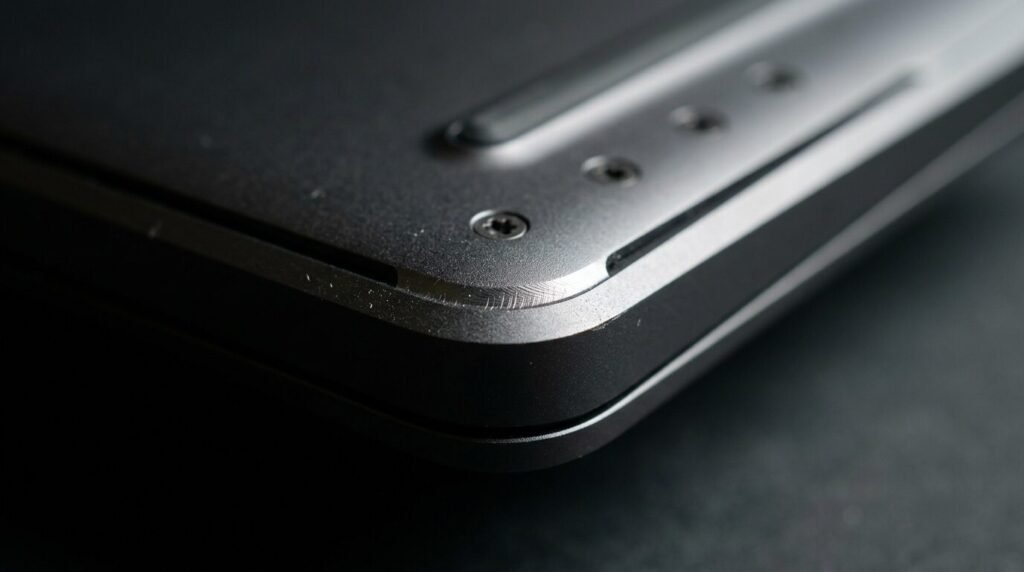
The chassis is the headline. Framework moved to CNC-machined aluminum with a graphite-anodized finish, and the reviews agree that the result flexes less than the earlier plastic-and-aluminum mix. The machine weighs about 1.44 kg (3.17 lb) and measures 15.85 mm (0.62 in) thick, so it is sturdier without becoming a brick.
Inside, the 13.5-inch 3:2 panel resolves 2880 x 1920, refreshes anywhere from 30 to 120 Hz and, for the first time on this model line, accepts touch. Framework claims up to 700 nits. The battery grew to roughly 74 Wh, up from 61 Wh in the previous generation according to Gizmodo, and Framework describes the capacity increase as 21 percent.
Processors come from Intel’s Core Ultra Series 3 family, and the X-series chips carry the Arc B390 graphics with 12 Xe3 cores. Memory is user-replaceable LPCAMM2 LPDDR5X, with Framework listing up to 64 GB, and storage reaches 8 TB over PCIe Gen 5. The magnetic bezels, though, did not win friends: Tom’s Hardware found the plastic out of step with the rest of the build, and Notebookcheck said the same in blunter terms.
Performance: Quick Enough, Warm Under Load
Nobody calls the 13 Pro slow. Several reviewers do point out that it trails other laptops built around the same silicon. Notebookcheck measured CPU output 5 to 15 percent below comparable machines, and its Cinebench 2026 multi-core score of 3,446 sat well under the 4,164 average it lists for that chip.
| Outlet | Chip tested | Geekbench 6 single-core | Geekbench 6 multi-core |
|---|---|---|---|
| Tom’s Hardware | Core Ultra X9 388H | 2,952 | 14,965 |
| Tom’s Guide | Core Ultra X7 | 2,836 | 14,715 |
| Notebookcheck | Core Ultra X7 358H | 2,778 | 14,309 |
Against rivals, the gap is easy to see. Tom’s Guide recorded 16,927 multi-core for a Dell XPS 14 and 17,926 for a 14-inch MacBook Pro with the M5 chip. Gizmodo found the XPS 14 about 14 percent ahead in Geekbench multi-core, roughly 30 seconds quicker in Blender and about two minutes faster in a HandBrake 4K-to-1080p encode.
Heat explains part of that. During a Cinebench stress run, Tom’s Hardware saw the CPU average 90.1 degrees Celsius with throttling for much of the test, and its hottest spot on the underside reached 117 degrees Fahrenheit. PC Gamer logged about 100 degrees Celsius and a package-power ceiling near 43 W. In everyday work the machine stays quiet, Engadget reports, and the fans only reached full speed during a Cyberpunk 2077 session.
Gaming is workable at 1080p. PC Gamer’s Windows results: Cyberpunk 2077 at Medium averaged 49 fps natively and 64 fps with upscaling, F1 24 reached 93 fps, and Black Myth: Wukong managed 29 fps (44 fps upscaled). Its 3DMark Time Spy score was 5,766. Gizmodo’s Linux runs through Proton came in lower, with Cyberpunk just under 30 fps at 1080p using XeSS 2 Performance.
Battery Life: About Sixteen Hours, With Asterisks
Framework’s own number is the high-water mark: up to 20 hours of 4K Netflix streaming, measured by the company in April 2026 at 250 nits, 60 Hz and 30 percent volume. Independent labs, using browsing-heavy loops, landed a few hours below that.
| Outlet | Test | Result | Comparison reported |
|---|---|---|---|
| Tom’s Hardware | Web browsing, streaming, light OpenGL at 150 nits | 15 h 55 min | MacBook Pro: 18 h 14 min |
| Tom’s Guide | Web browsing, streaming, light OpenGL | 16 h 48 min | MacBook Pro M5 Pro: 21 h 10 min; Galaxy Book 6 Ultra: 15 h 11 min |
| Engadget | In-house battery test | 16 h 5 min | HP OmniBook Ultra 14: 18 h 33 min |
Heavier use tells a different story. PC Gamer’s gaming runs on Windows in Balanced mode lasted a little under two hours, roughly doubling in Arc Endurance mode with a 30 fps cap. Gizmodo got a bit more than five hours of daily use in Balanced mode with the screen on continuously. Standby is a strength: PC Gamer measured seven days on Ubuntu, matching Framework’s claim.
One warning from Phoronix is worth repeating. A third-party 150 W USB-C charger held the Core Ultra X9 388H to 6 W or less and dragged performance down, while Framework’s own charger cleared the problem. Stick with the one in the box.
The Display, Keyboard and Everything You Touch
Notebookcheck’s instruments recorded a peak of 773.3 cd/m2 and an average of 722.2, with 2148:1 contrast, 99.6 percent sRGB, 70.7 percent Display P3 and no PWM flicker. Tom’s Hardware measured 709 nits and called the panel brighter than the MacBook Pro’s. The compromise is speed: Notebookcheck clocked 23.6 ms black-to-white response, and PC Gamer described the panel as lackluster with visible ghosting. Engadget, meanwhile, praised how well the matte surface resists glare.
Typing gets warmer reviews. The backlit keyboard carries 1.5 mm of travel and a punchier feel than before, and the piezo haptic touchpad (four actuators, 123.7 x 76.7 mm) earned praise from Engadget and Gizmodo. Tom’s Hardware adds that the pad can flex in the deck.
The weak points are small ones. The webcam looks grainy in four separate reviews, and Windows Hello facial login is off the table because there is no infrared camera; a fingerprint reader fills in. The two 2 W side-firing speakers sound thin. On the plus side, physical privacy switches cut power to the webcam and microphones.
Linux: Two Reviewers, Two Experiences
Framework calls the 13 Pro its first Ubuntu Certified system and offers Ubuntu preinstalled. Phoronix tested Ubuntu 26.04 LTS on Linux kernel 7.0 and found everything working out of the box, with the graphics, new display kit and haptic touchpad all behaving. It expects Fedora Workstation 44 and Arch to work as well but did not test them, and it notes that LVFS and fwupd firmware support continues.
Gizmodo’s time with Ubuntu 24.04 LTS was rougher: suspend failed, a browser pop-up flickered and Wi-Fi dropped out now and then. The two accounts are not contradictory, since they involve different Ubuntu releases and kernels. The practical takeaway is to start with the newest LTS if Linux is the plan.
Repairability and the Upgrade Path
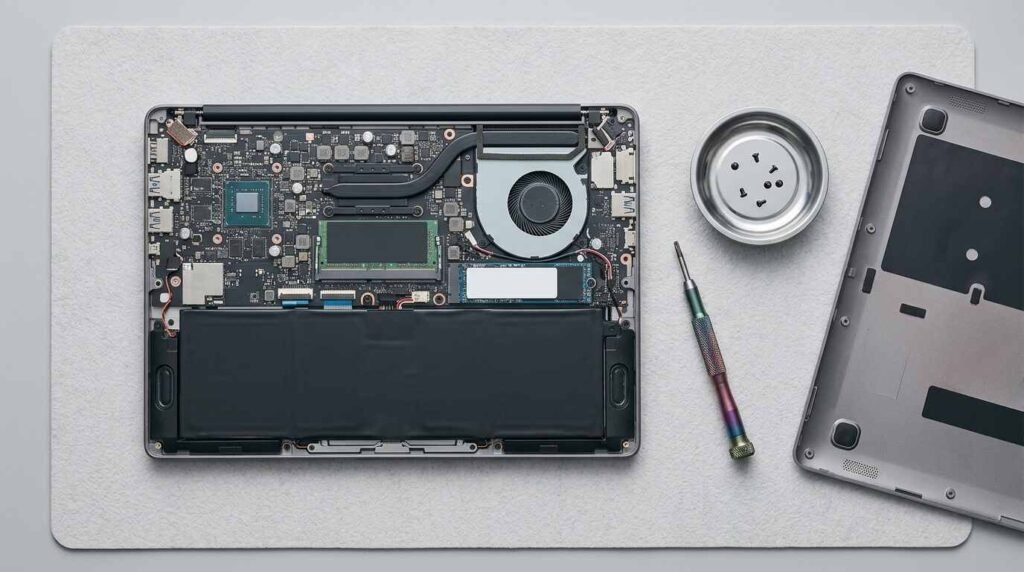
This is still Framework’s home turf. Getting inside takes five captive T5 Torx screws, and the T5 driver ships with the laptop. Parts carry QR codes that lead to repair guides, the SSD is a standard install, the LPCAMM2 memory can be swapped, and Engadget confirms the battery can be replaced by itself. Framework publishes open design files and firmware on GitHub for many components.
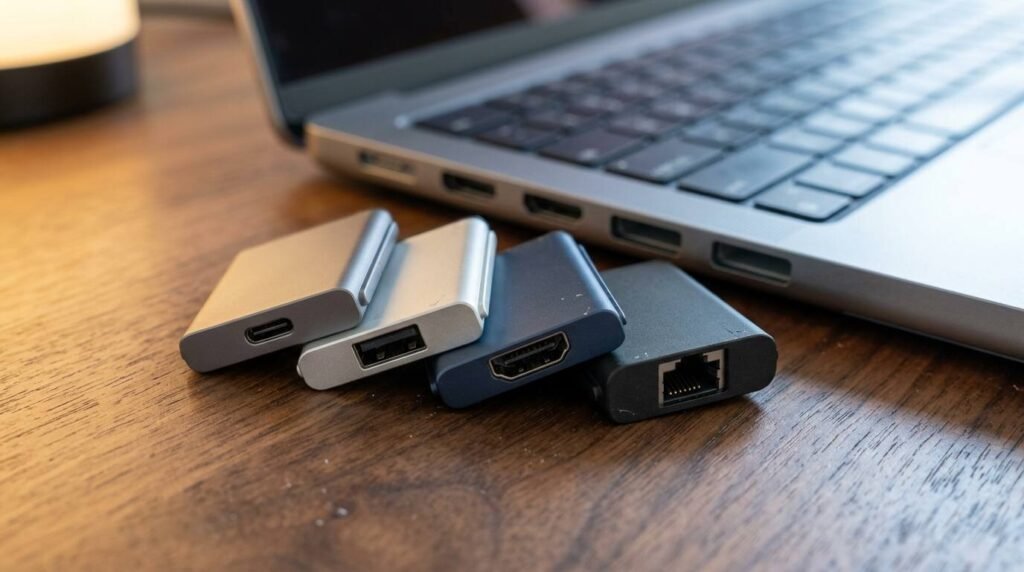
The upgrade path has fine print. Engadget reports that a 2021 Laptop 13 can accept the 2026 mainboard, but the larger battery may require new bottom and keyboard covers, and AMD boards need a new Wi-Fi module. Gizmodo adds that the 74 Wh battery only works with the Pro input and bottom covers. Four expansion-card slots remain hot-swappable, each with its own unlock switch, though Tom’s Hardware says USB-A cards should stay out of the rear slots on AMD models because of their power draw.
The Price Problem
Framework lists the DIY Edition from about $1,199 as a barebones kit without memory, storage or an operating system, and the cheapest pre-built models start around $1,599. The configurations reviewers actually tested cost far more, and the figure moved while they worked.
| Outlet | Configuration | Price reported |
|---|---|---|
| Gizmodo | X7 358H, 32 GB, 1 TB, pre-built | From $2,900 (Windows 11 Pro adds $200); DIY version $1,700 plus your own RAM and SSD |
| PC Gamer | X7 358H, 32 GB, 1 TB | $2,899 |
| Engadget | Tested mid-tier model | $3,100; entry Core Ultra 5 325 pre-built $1,600 ($1,800 with Windows 11) |
| Tom’s Guide | Tested pre-built | $2,899, up from $2,099 at launch |
| Notebookcheck | Test unit | About $3,000 |
| Tom’s Hardware | X9 388H, 64 GB, 2 TB DIY | About $3,272 at the start of testing, about $4,023 after memory repriced |
The culprit is memory. Tom’s Hardware watched LPCAMM2 modules jump from $849 to $1,600 mid-review, and Tom’s Guide lists standalone modules at $800 for 32 GB and $1,600 for 64 GB. Gizmodo says Framework blamed the memory shortage for its own increases. Engadget estimates that equivalent hardware would normally run about $1,500.
Context matters here. Tom’s Guide priced a similarly equipped Dell XPS 14 at $2,579 and framed the Framework’s upgradeability as a premium of roughly $400. Availability was a second headache: Tom’s Hardware found its tested configuration backordered, Gizmodo noted that the X9 388H model had sold out, and Tom’s Guide reported that every configuration was on pre-order with shipping not expected until November. That last claim comes from a single outlet, so treat it as unconfirmed.
Who Should Buy It
- You already own Framework parts and want a straightforward mainboard upgrade
- You want a laptop that vendor-supported Linux runs on
- You care more about being able to repair it than about thinness
- You type and use a trackpad all day and want both to feel good
- You need cool, quiet peak performance during long renders or compiles
- You want an OLED or HDR panel
- You are shopping on price while memory costs are elevated
- You rely on Windows Hello facial login or a sharp webcam
The Critic’s Verdict
Strip away the price and the 13 Pro is the most convincing argument Framework has made. Engadget’s reviewer went as far as calling it the best Windows laptop he had ever used, then admitted the memory-driven cost made a recommendation difficult. That tension runs through every review in the stack.
Frequently Asked Questions
Does the Framework Laptop 13 Pro have a touchscreen?
Yes. Tom’s Hardware calls it the first touchscreen on the 13-inch Framework line. The panel is 13.5 inches, 2880 x 1920, with a 30 to 120 Hz variable refresh rate.
How long does the battery last?
Framework claims up to 20 hours of 4K Netflix streaming. Independent browsing-and-video tests produced roughly 16 hours, and heavy gaming drains it in about two.
Does it run Linux well?
Phoronix reported a clean experience on Ubuntu 26.04 LTS, and Framework sells the laptop as Ubuntu Certified. Gizmodo hit suspend and Wi-Fi problems on Ubuntu 24.04, so the release you choose matters.
Can an older Framework Laptop 13 take the new mainboard?
Engadget says a 2021 Laptop 13 can use the 2026 mainboard, though you may need new covers to fit the larger battery, plus a new Wi-Fi module on AMD boards.
Why did the price jump?
Reviewers and Framework point to a memory shortage that roughly doubled the cost of LPCAMM2 modules during the review period.
Is there an OLED option?
Not at launch. Notebookcheck lists the lack of an OLED or HDR choice among its complaints.
Sources
- Framework: Laptop 13 Pro product page
- Engadget: Framework Laptop 13 Pro review (Jul 29, 2026)
- Gizmodo: Framework Laptop 13 Pro review (Jul 28, 2026)
- Notebookcheck: Framework Laptop 13 Pro review (Jul 28, 2026)
- PC Gamer: Framework 13 Pro review (Jul 27, 2026)
- Tom’s Hardware: Framework Laptop 13 Pro review (Jul 27, 2026)
- Tom’s Guide: Framework Laptop 13 Pro review (Aug 2, 2026)
- Phoronix: Framework Laptop 13 Pro Linux review (Jul 27, 2026)


One thought on “Framework Laptop 13 Pro Review: The Repairable Laptop Grows Up, and the Price Tag Comes With It”